 Google Ads
 Meta Ads
 Email marketing
 Lightspeed eCom Toolkit
 Shopify Toolkit
Your product page,
redesigned.
A new design for the product page of piest.nl: Bosch WGG244ZMNL Serie 6 – Washing machine. Below you see every screen before and after, and what we improved.
- 17 before-and-afters
- 25 improvements
- piest.nl
Every screen, compared.
Pick a screen and drag across the screenshot. On the left you see the current page of piest.nl, on the right the new design.
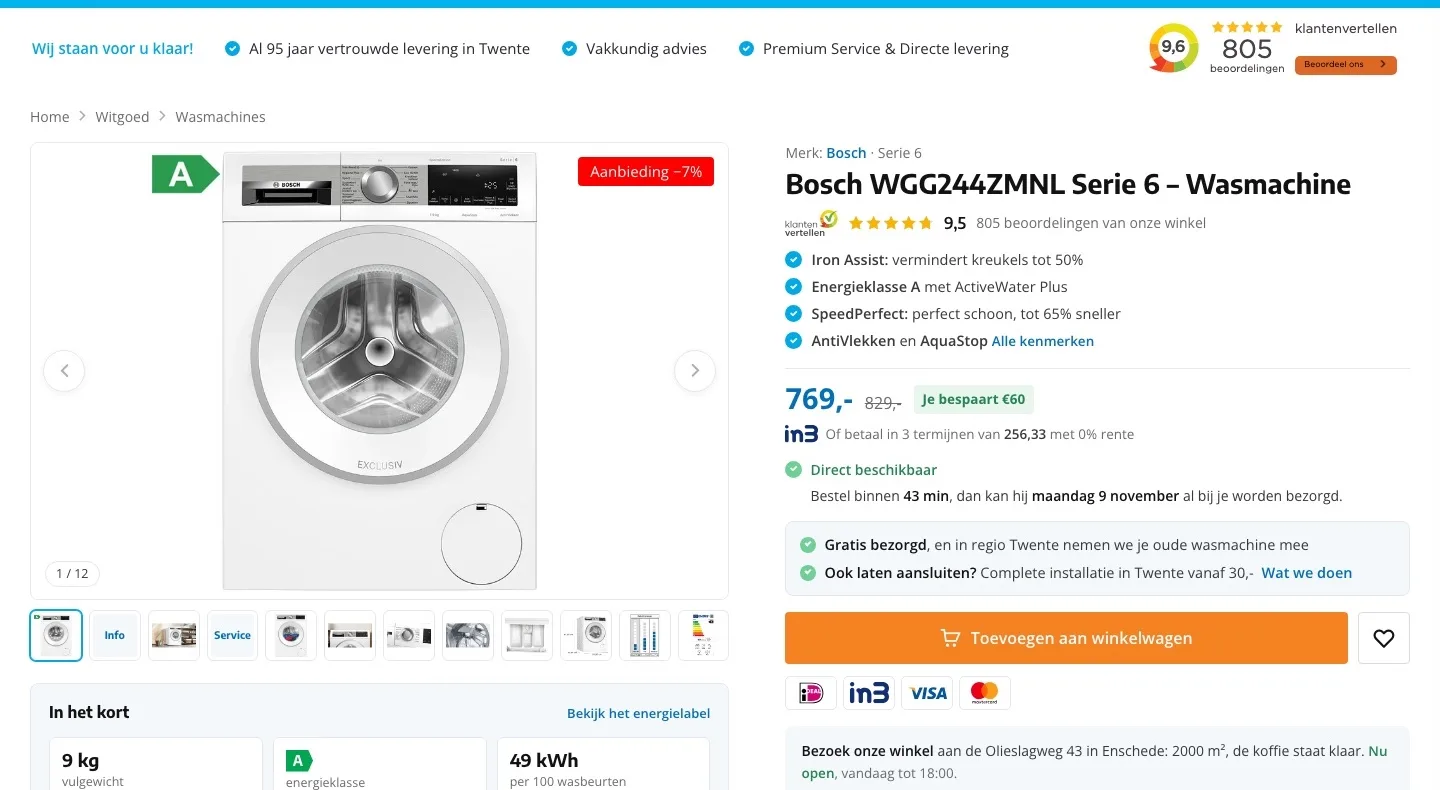
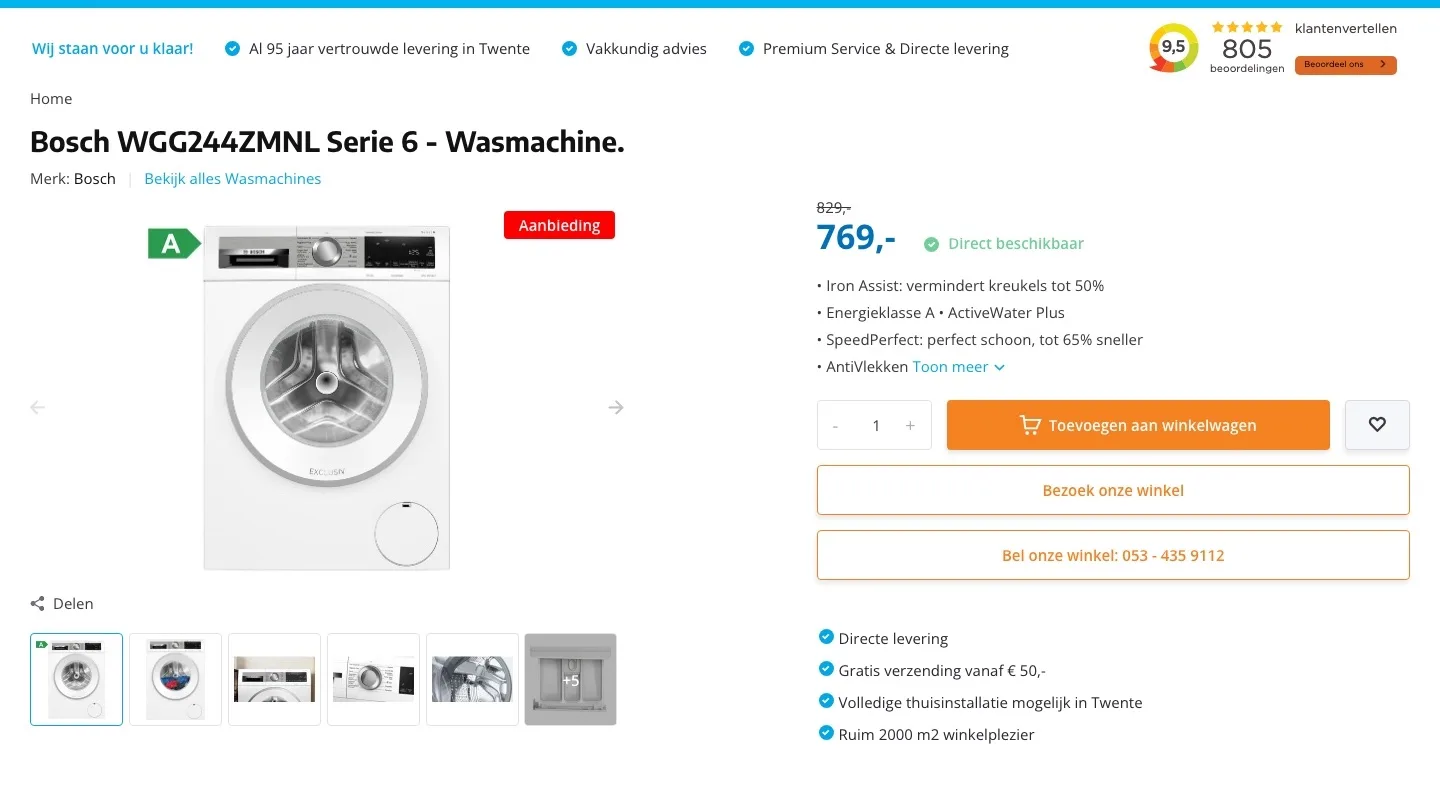
Product page.
The washing machine, the score and the price at a glance.
- 019.5 right by the nameThe 9.5 from Klantenvertellen was only in the bar at the top. Now it sits right below the product name.
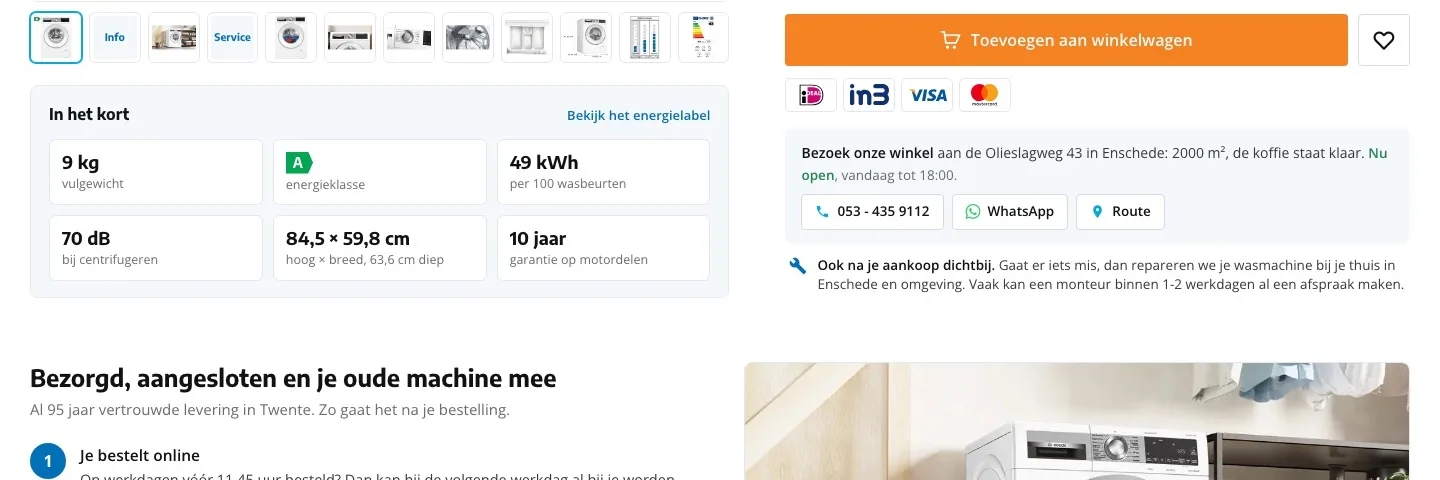
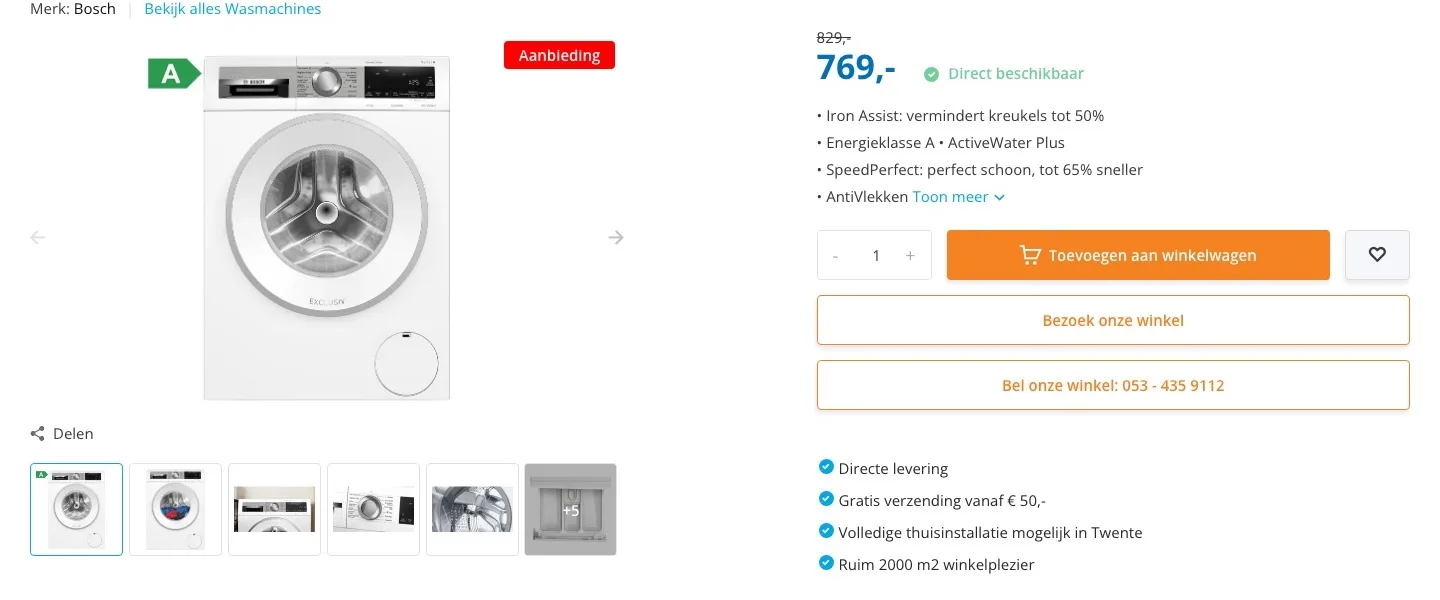
- 02You see what you saveAll you saw was €829 struck through. Now you read ‘Je bespaart €60’ (You save €60) and the amount per installment with iDEAL in3.
- 03One clear buy button‘Bezoek onze winkel’ (Visit our store) and ‘Bel onze winkel’ (Call our store) were as big as the buy button. Now the orange button stands out.
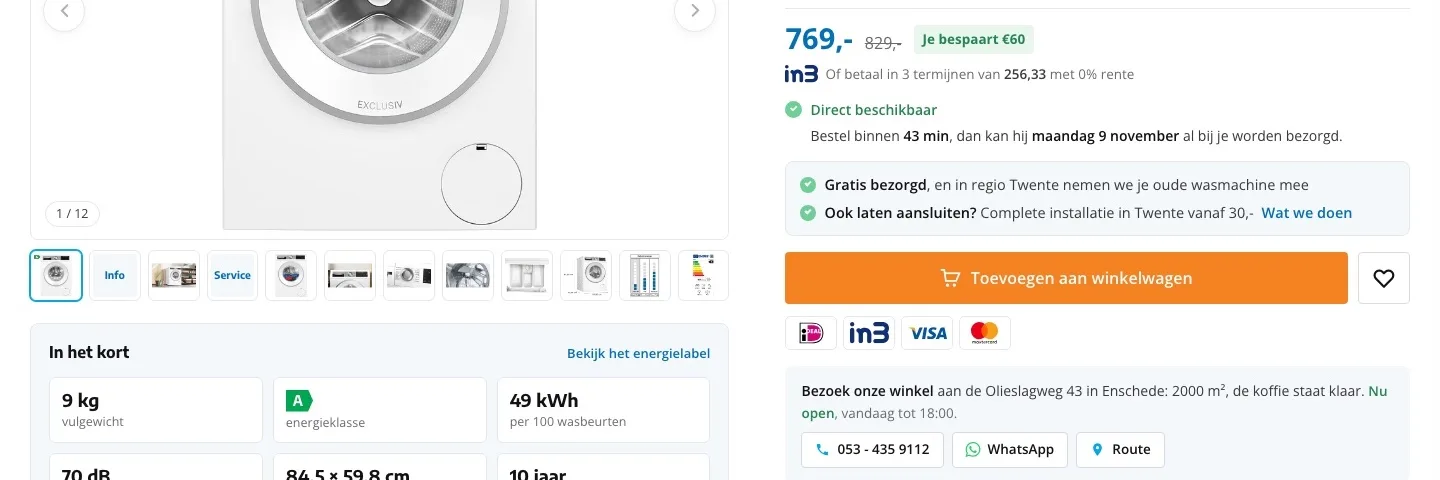
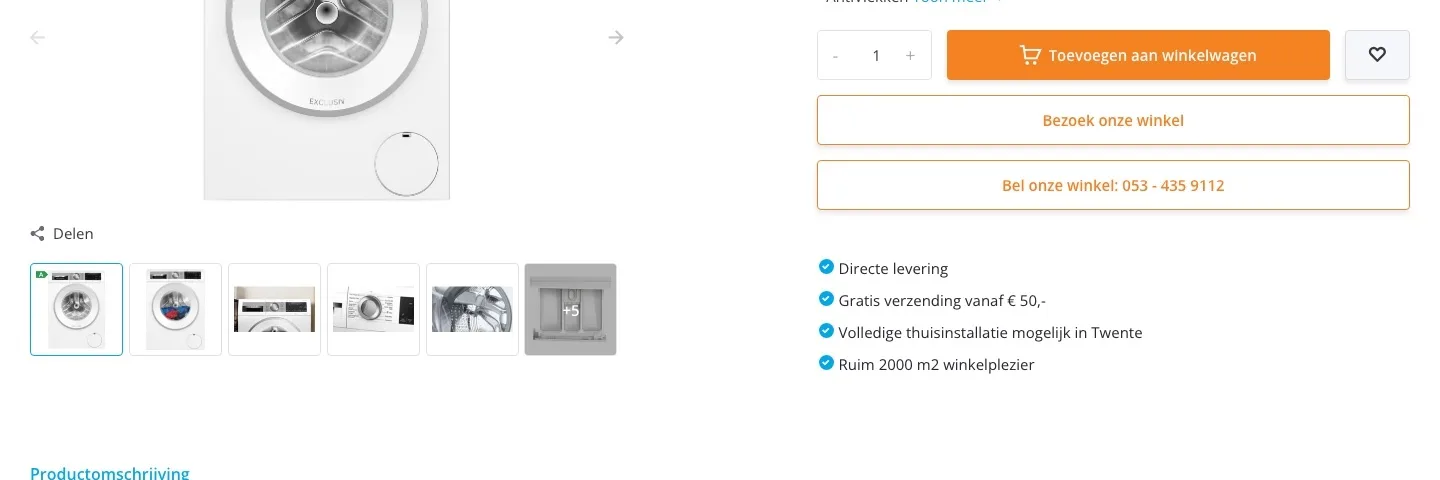
Delivery and installation.
Your strongest service, short and clear next to the button.
- 01Delivered and connected‘Volledige thuisinstallatie mogelijk in Twente’ (Full home installation available in Twente) was a separate line. Now the button tells you what it costs, with a link to what happens.
- 02Old washing machine taken awayThat you take the old machine away in Twente was only on a service page. Now it’s next to the button, where that worry comes up.
- 03When it arrives‘Directe levering’ (Immediate delivery) didn’t say when. Now it says by which day you’ll usually have it at home.
Around the button.
Payment, advice and service, right below the button.
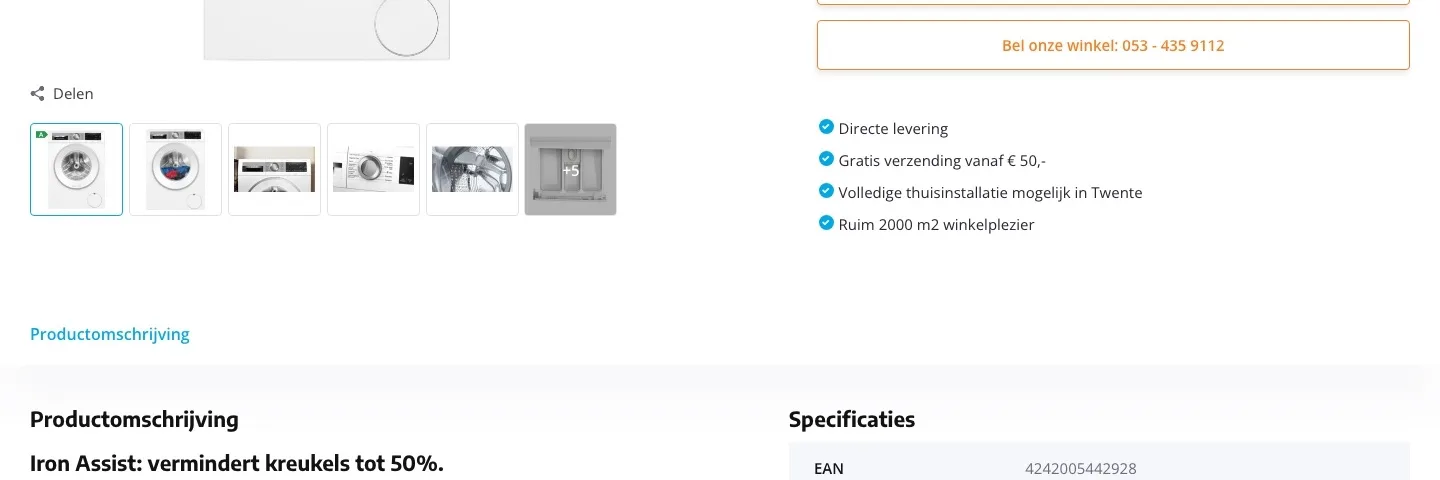
- 01Payment logos by the buttonThere were no payment logos anywhere on the page. Now iDEAL, iDEAL in3, Visa and Mastercard sit below the button.
- 02Store with address and hoursThe two big buttons are now one calm block with the address, today’s opening hours, call and WhatsApp.
- 03Close by after your purchase tooThat you repair washing machines in people’s homes was only on a service page. Now it’s next to the button.
Photos.
The key figures and the service, in the gallery.
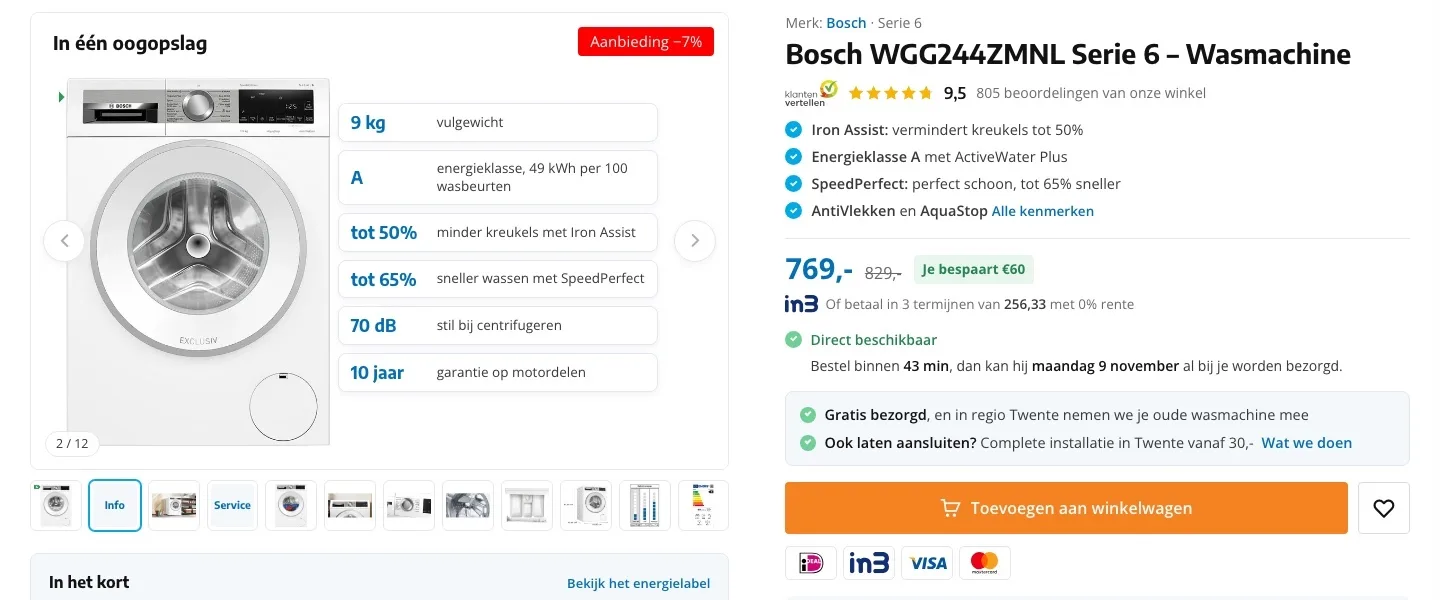
- 01At a glanceLoad capacity, consumption and noise were only in separate photos. Now they’re lined up as the second image.
- 02Service in the galleryAn image with free delivery, connection and taking your old machine away, among the photos everyone looks at.
- 03Bigger and with zoomThe photo was small. Now it’s bigger, with zoom, a counter and all twelve images in one row.
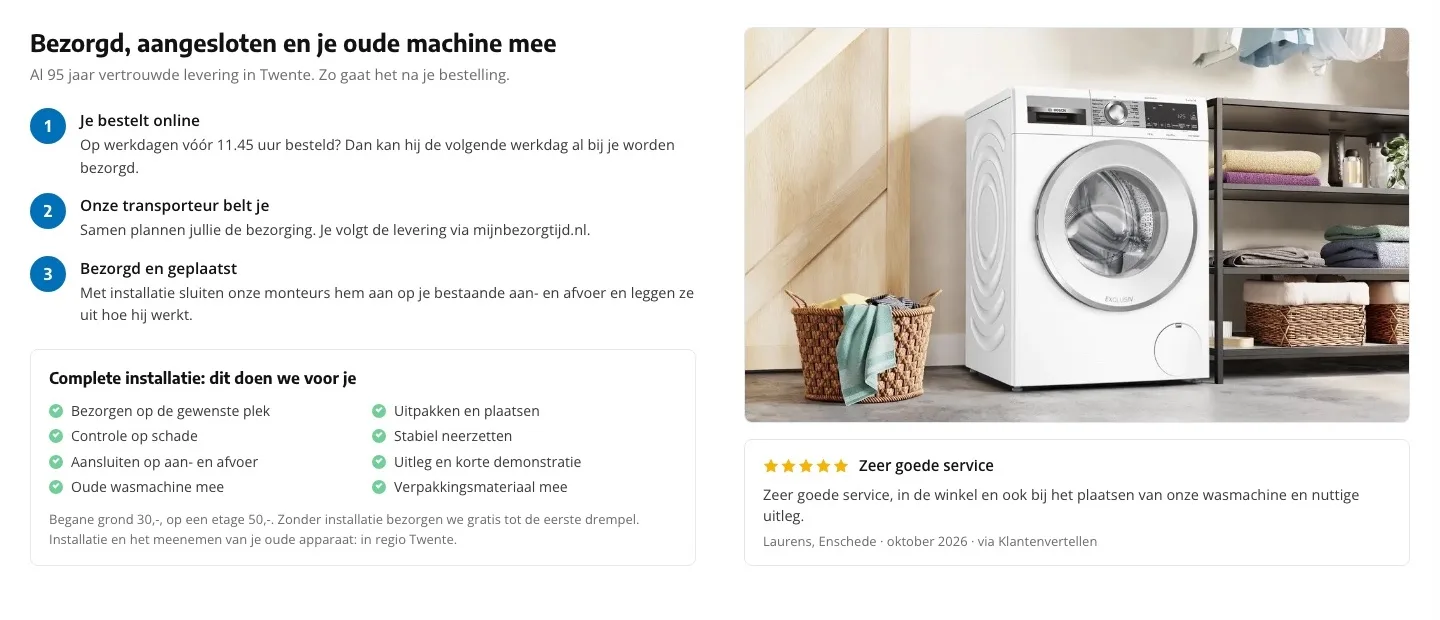
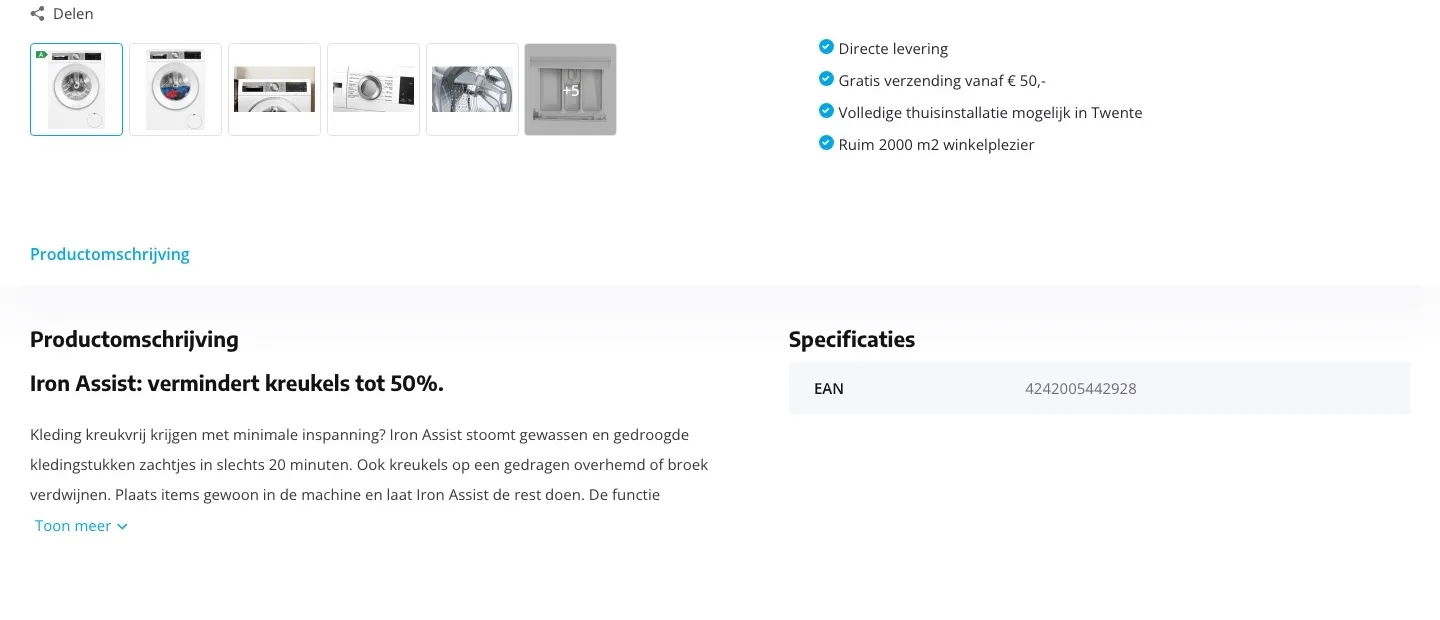
Delivered and connected.
What happens after you order, step by step.
- 01Three clear stepsHow delivery works was only on a service page. Now you read it here in three short steps.
- 02What installation includesConnecting, explanation, old machine and packaging taken away: everything the technicians do is listed, with the price.
- 03A customer tells their storyNext to the photo of the machine in a laundry room is a real review about the installation, from Klantenvertellen.
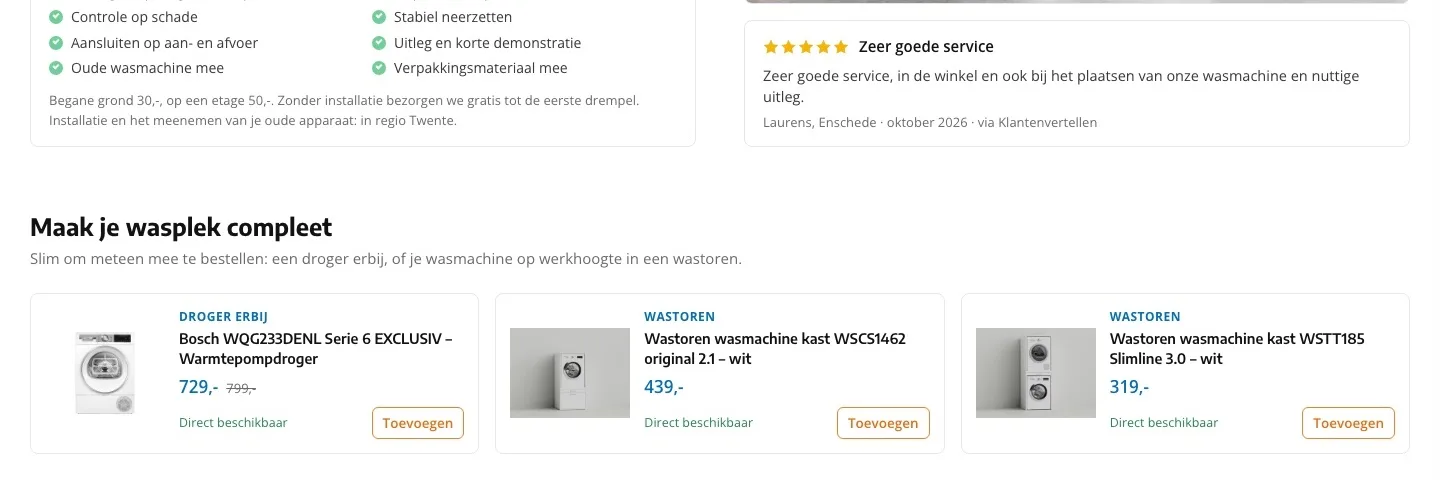
Complete your laundry area.
Dryer and laundry tower, right after the delivery explanation.
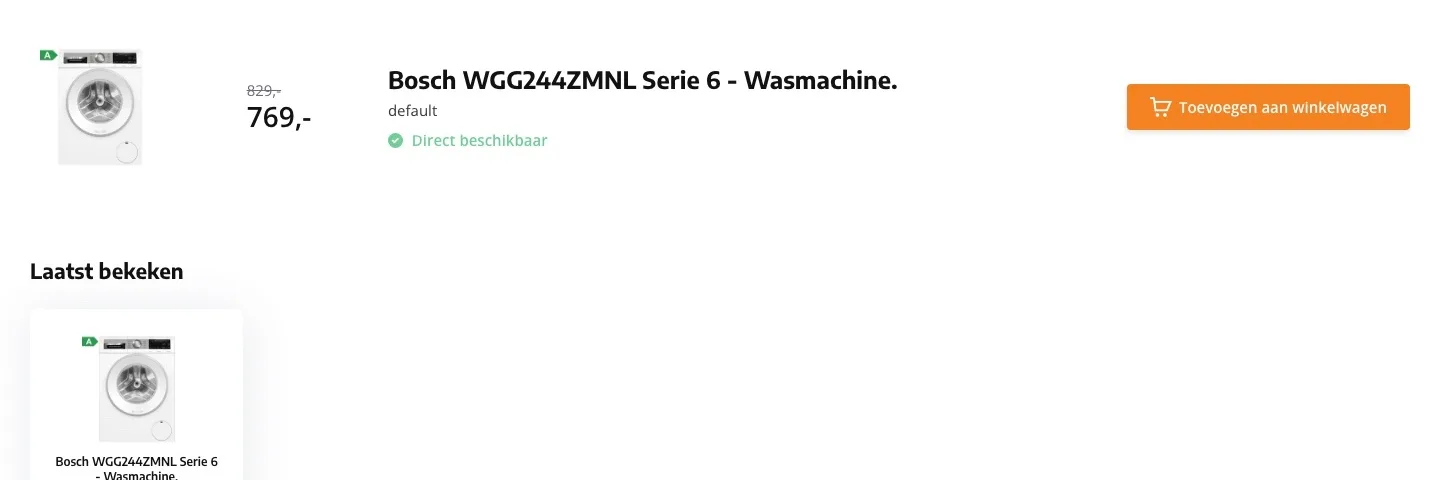
- 01Add a dryer and laundry towerAt the bottom of the page there was only ‘Laatst bekeken’ (Recently viewed) with this washing machine. Now you see a dryer and two laundry towers.
- 02Higher up the pageThe suggestions now come right after delivery and installation, the moment you think about your whole laundry area.
- 03With its own buttonEach card says what it is (dryer or laundry tower) and shows the price, ‘Direct beschikbaar’ (Available now) and a button to add it right away.
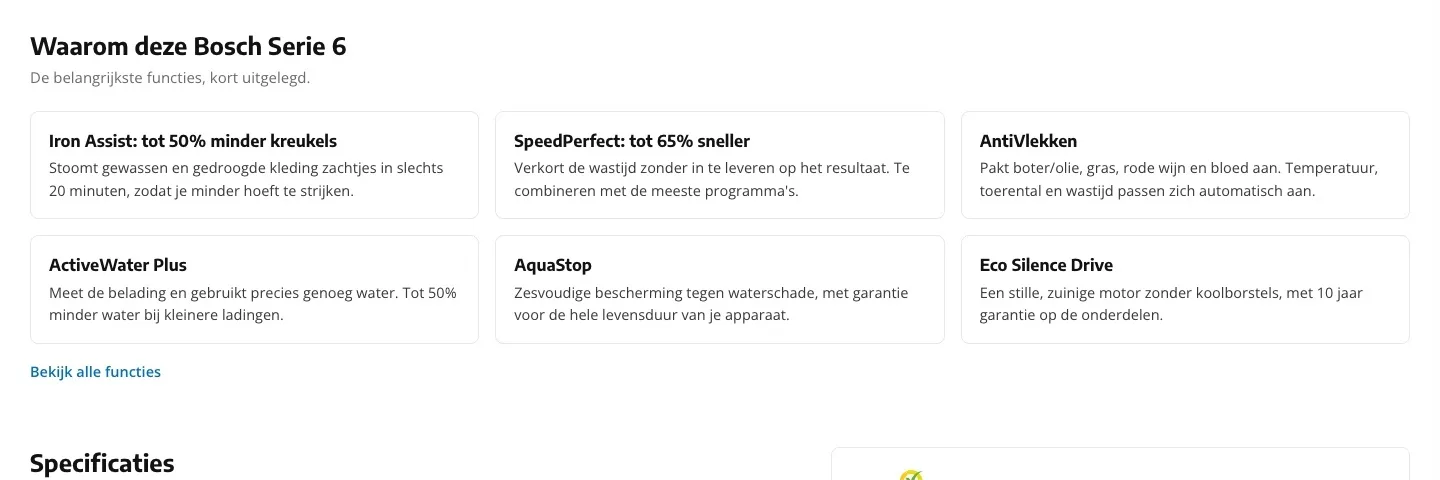
Why this washing machine.
From a long text to six clear benefits.
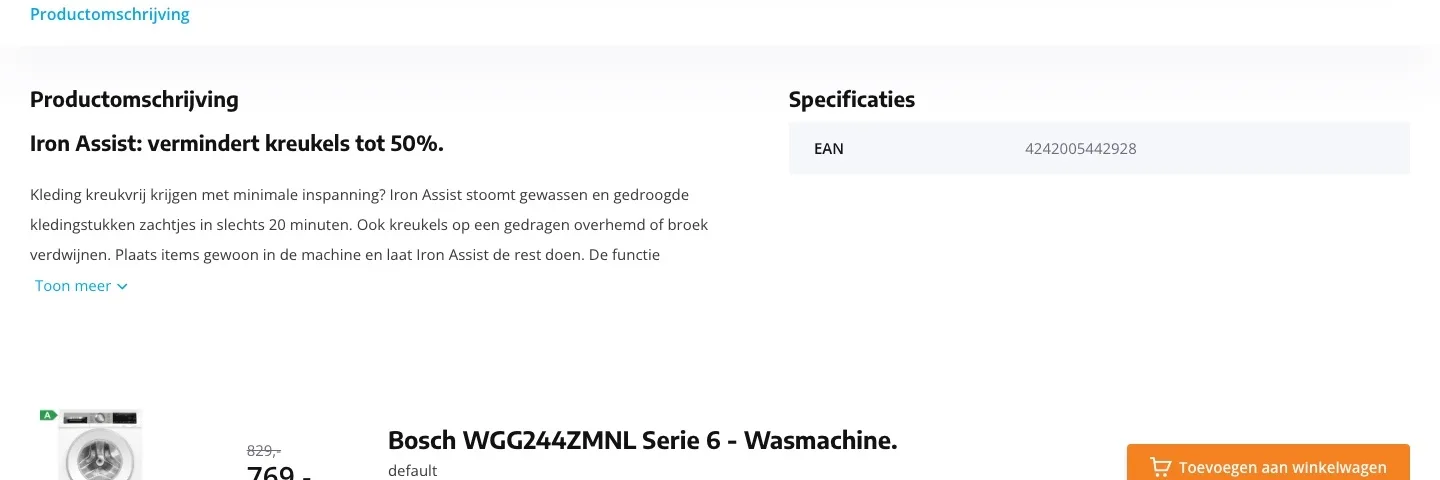
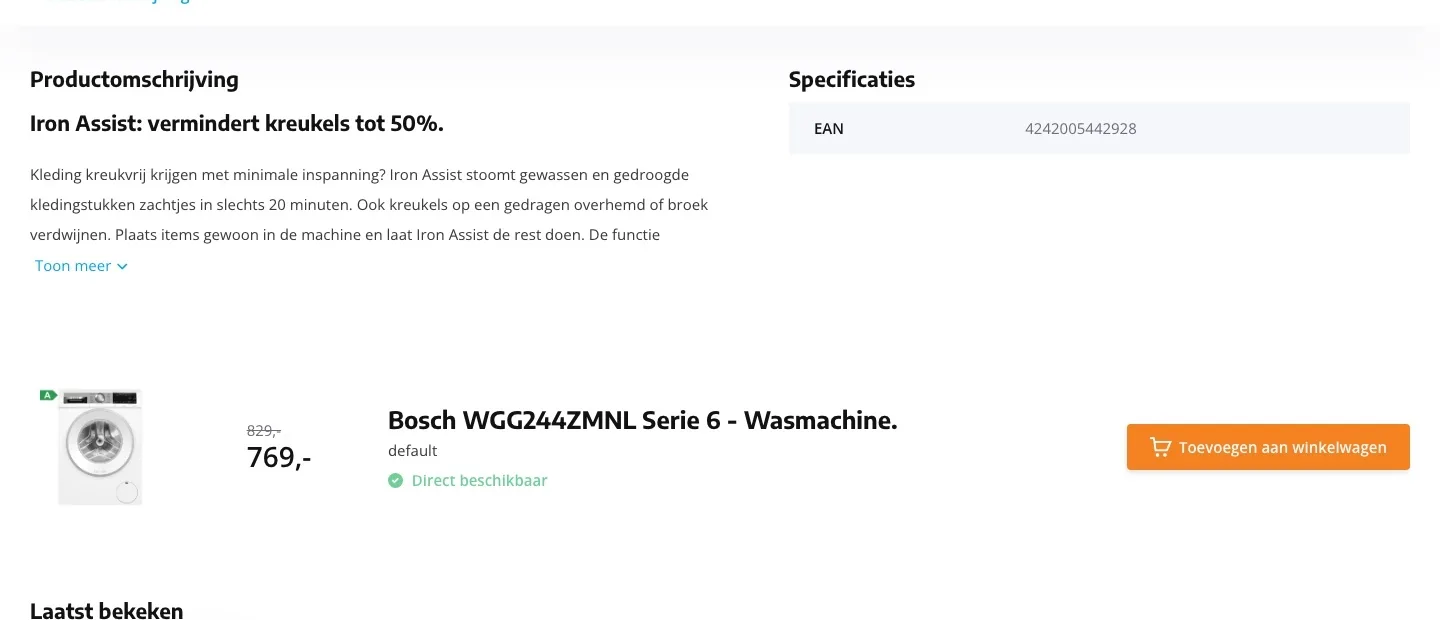
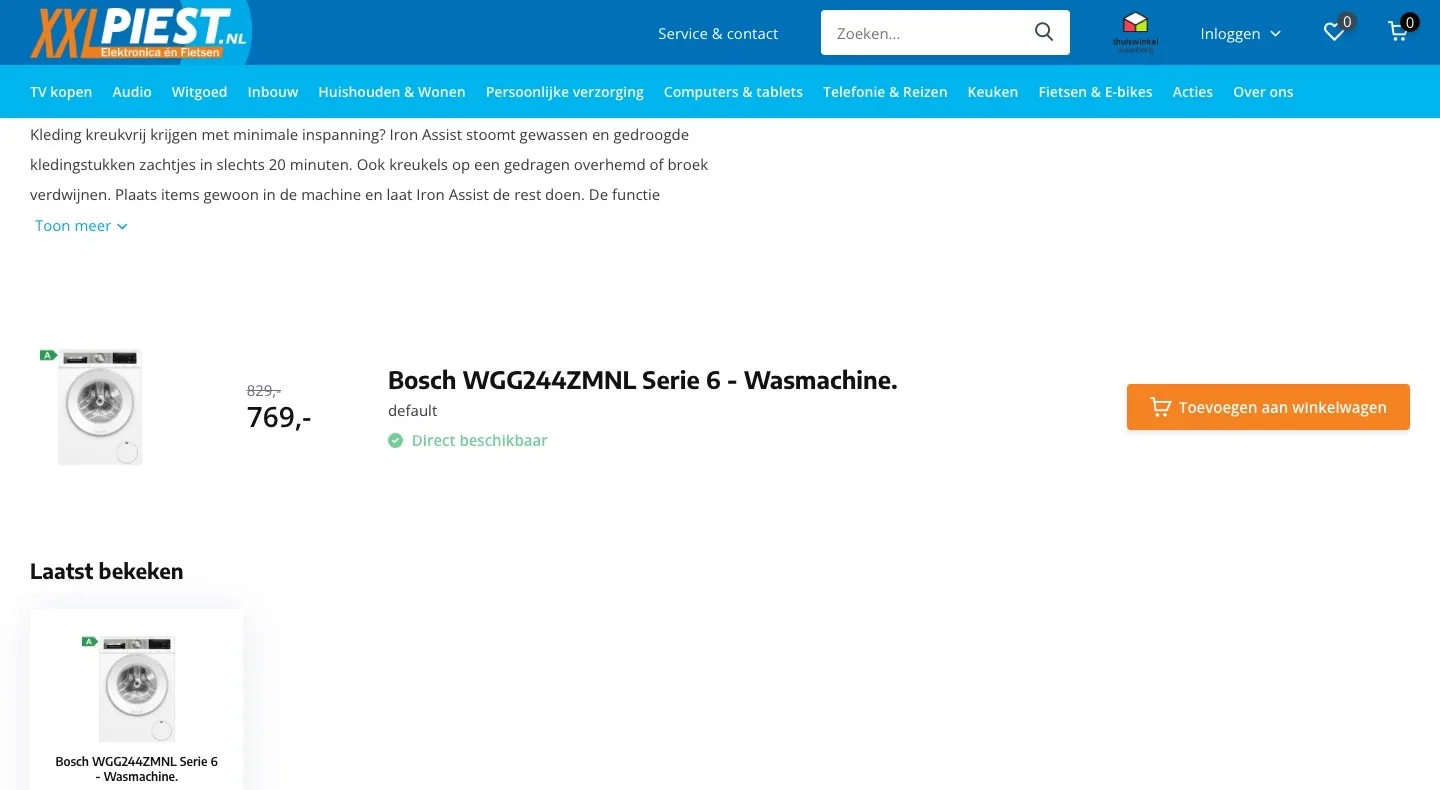
- 01Benefits in cardsThe description was one long text behind ‘Toon meer’ (Show more). Now the six most important features sit side by side.
- 02In plain wordsEach card says in two sentences what the feature does for you, like less ironing or less water.
- 03The rest in one clickThe reload function, Hygiëne Plus and the other features are behind ‘Bekijk alle functies’ (View all features).
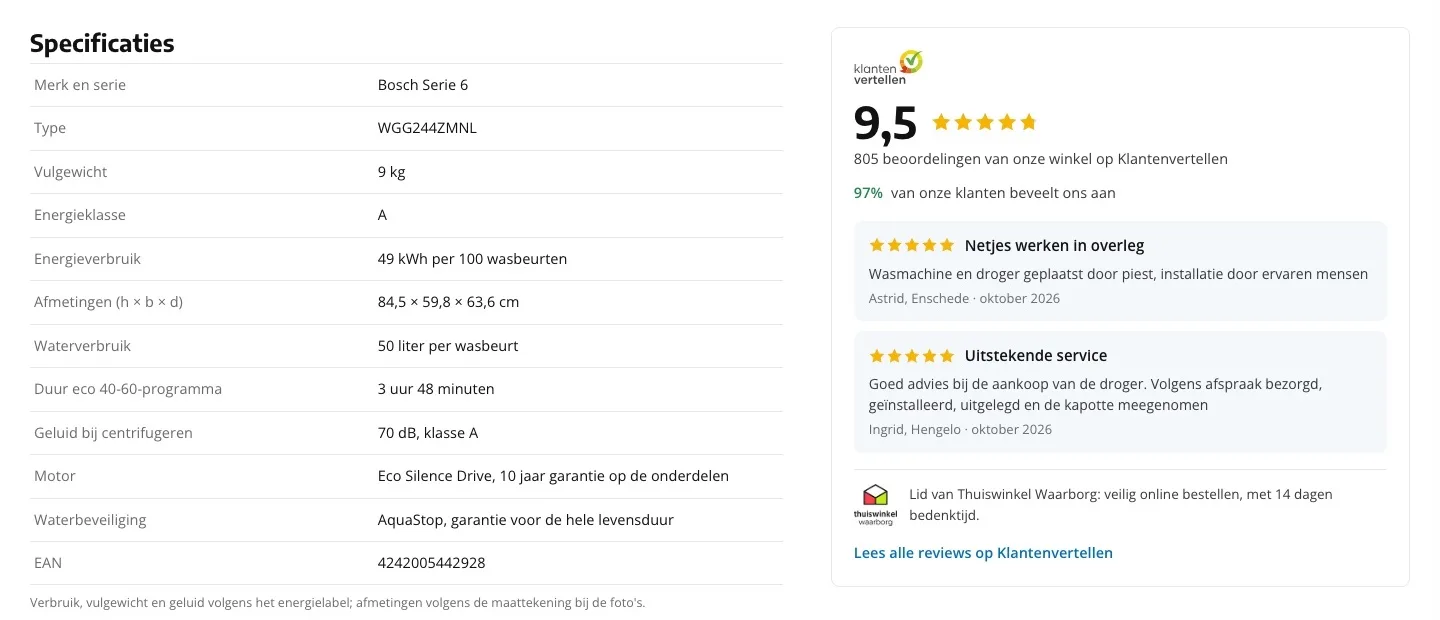
Specifications.
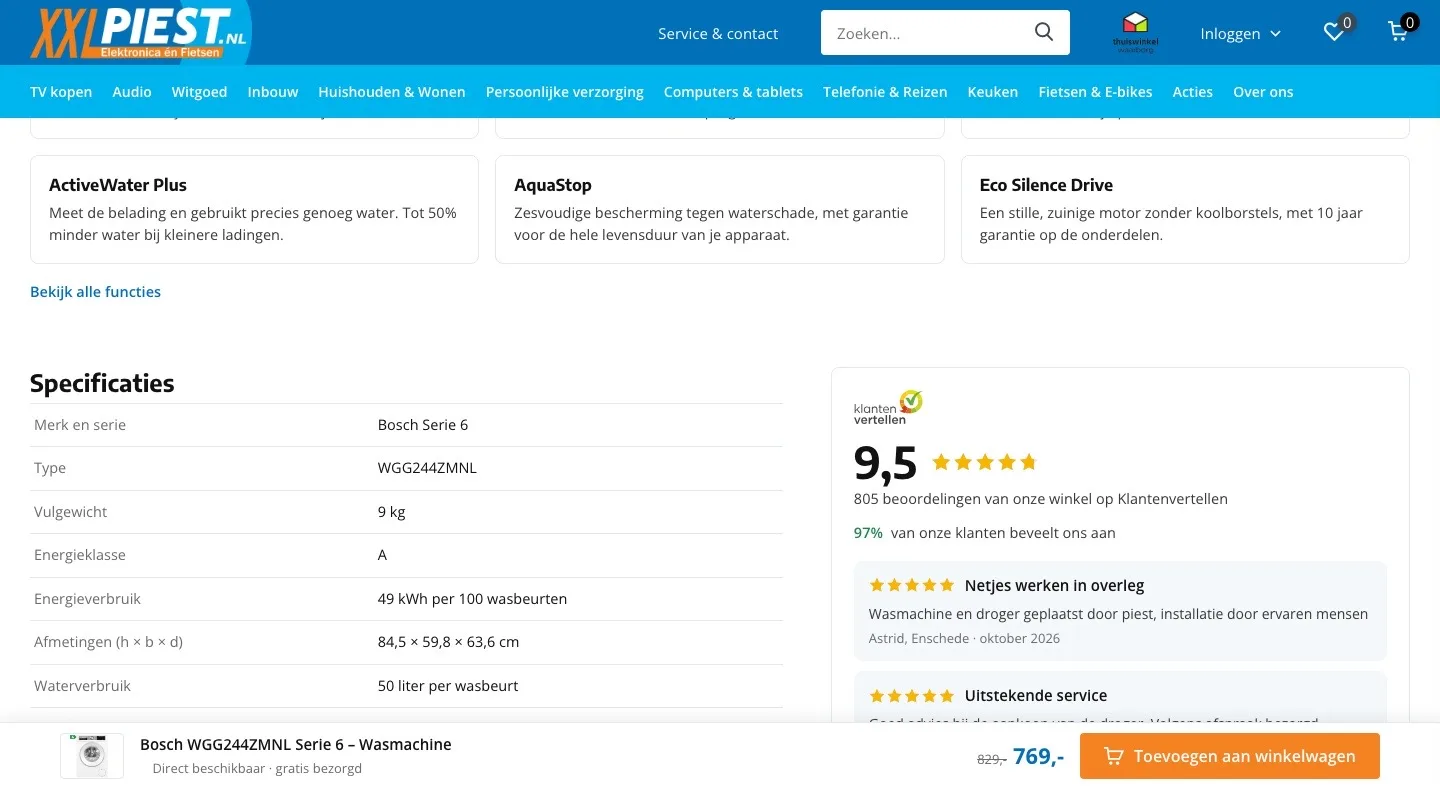
All the details you need, next to the store score.
- 01From just the EAN to everythingThe specifications only listed the EAN. Now load capacity, consumption, dimensions and noise are there too.
- 02Will it fit in your home?The specifications had no dimensions. Now you read the height, width and depth, so you know whether it fits.
- 039.5 and real reviewsNext to the table are the 9.5, 97% recommend you, two recent reviews about delivery and installation, and the Thuiswinkel Waarborg.
While scrolling.
The button stays within reach while you read.
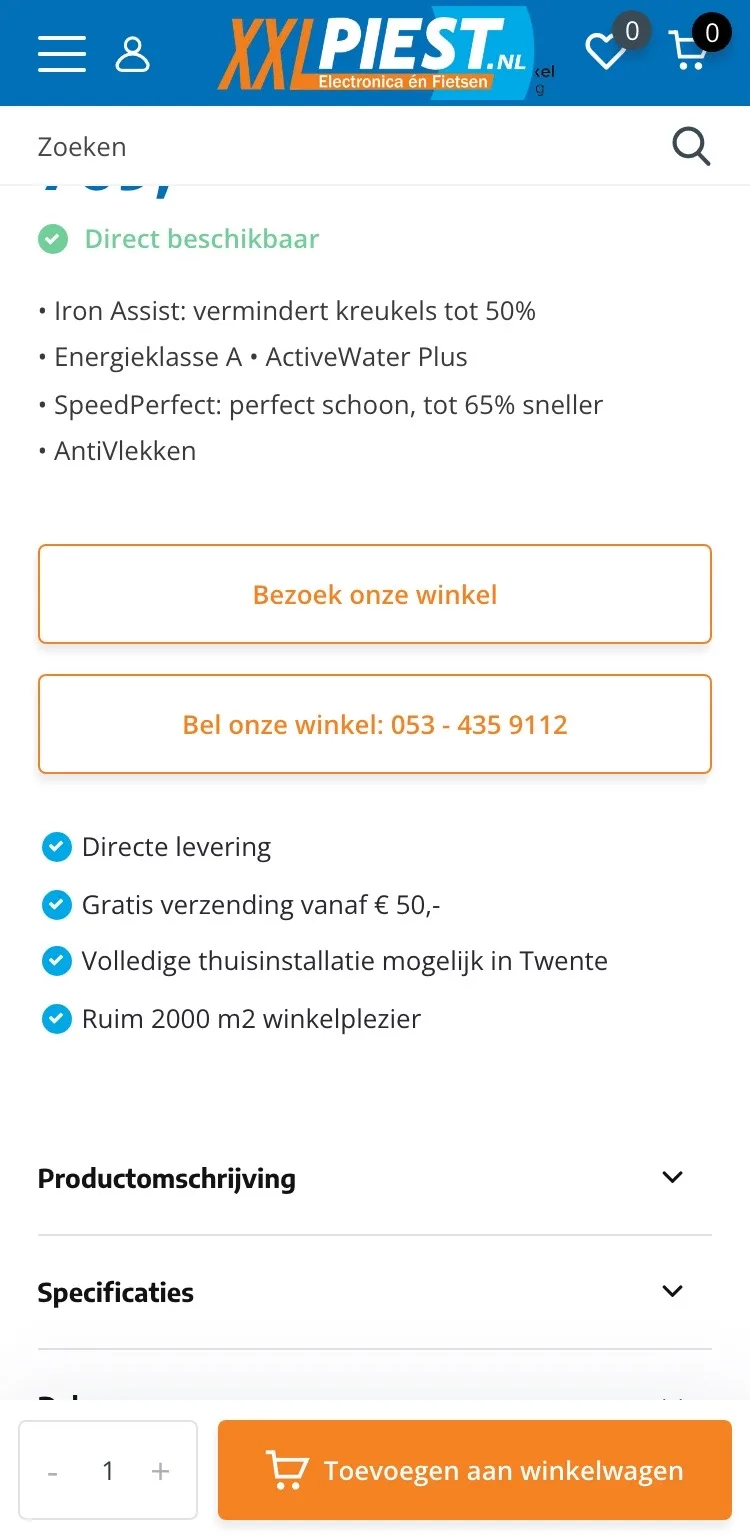
- 01Button always in viewThe button only came back in a separate bar below the text. Now it sits at the bottom as soon as you scroll further.
- 02Price and delivery includedThe bar shows the photo, ‘gratis bezorgd’ (free delivery) and the price with the old price struck through.
- 03Without covering the textThe bar is narrow and white, so the benefits and specifications stay readable.
Product page.
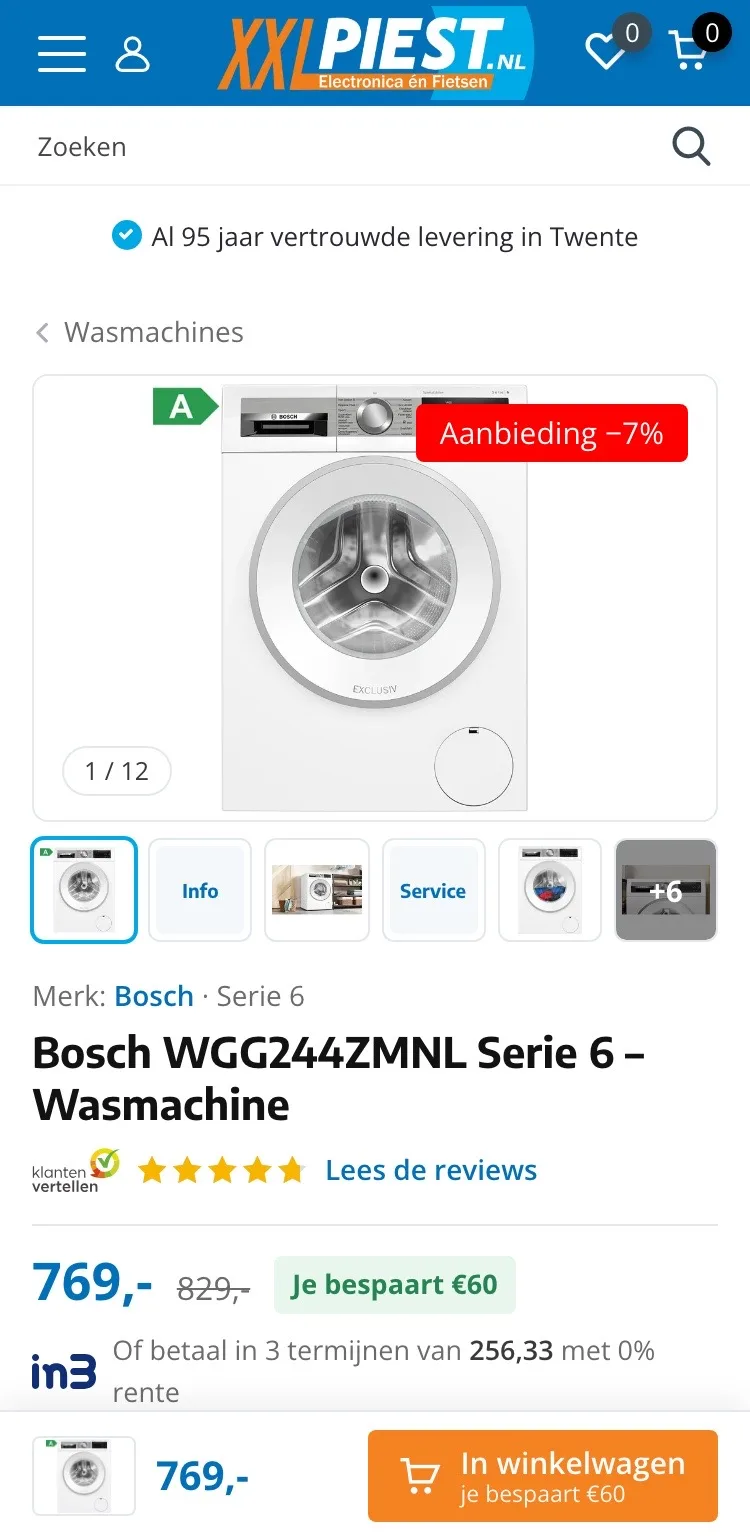
On mobile, the photos and the name right in view.
- 01Thumbnails below the photoYou only saw arrows next to the photo. Now you immediately see which other images there are, including the key figures.
- 02A short way back‘Home’ at the top took you to the homepage. Now one tap takes you back to all washing machines.
- 03Always a button at the bottomThe bar at the bottom stays, now with the photo, the price and what you save.
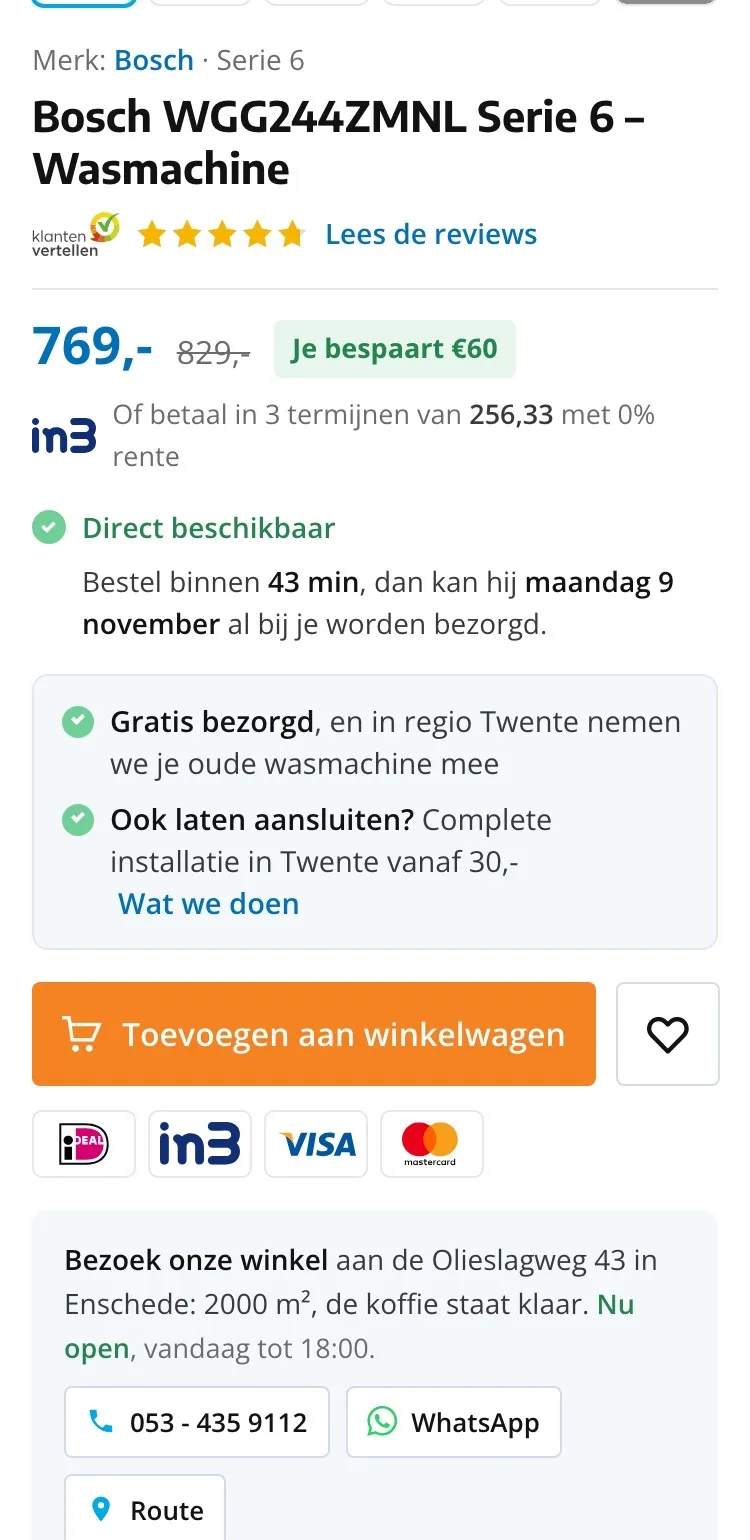
Choosing and buying.
Price, service and button together in view.
- 01Delivery and connectionThere were two big outlined buttons for the store and the phone. Now you read here: free delivery, old machine taken away and installation from €30.
- 02Savings and installments‘Je bespaart €60’ (You save €60) and the amount per installment with iDEAL in3 are now right by the price.
- 03Buy button on the pageOn mobile the buy button was only in the bar at the bottom. Now it also sits right below your choice.
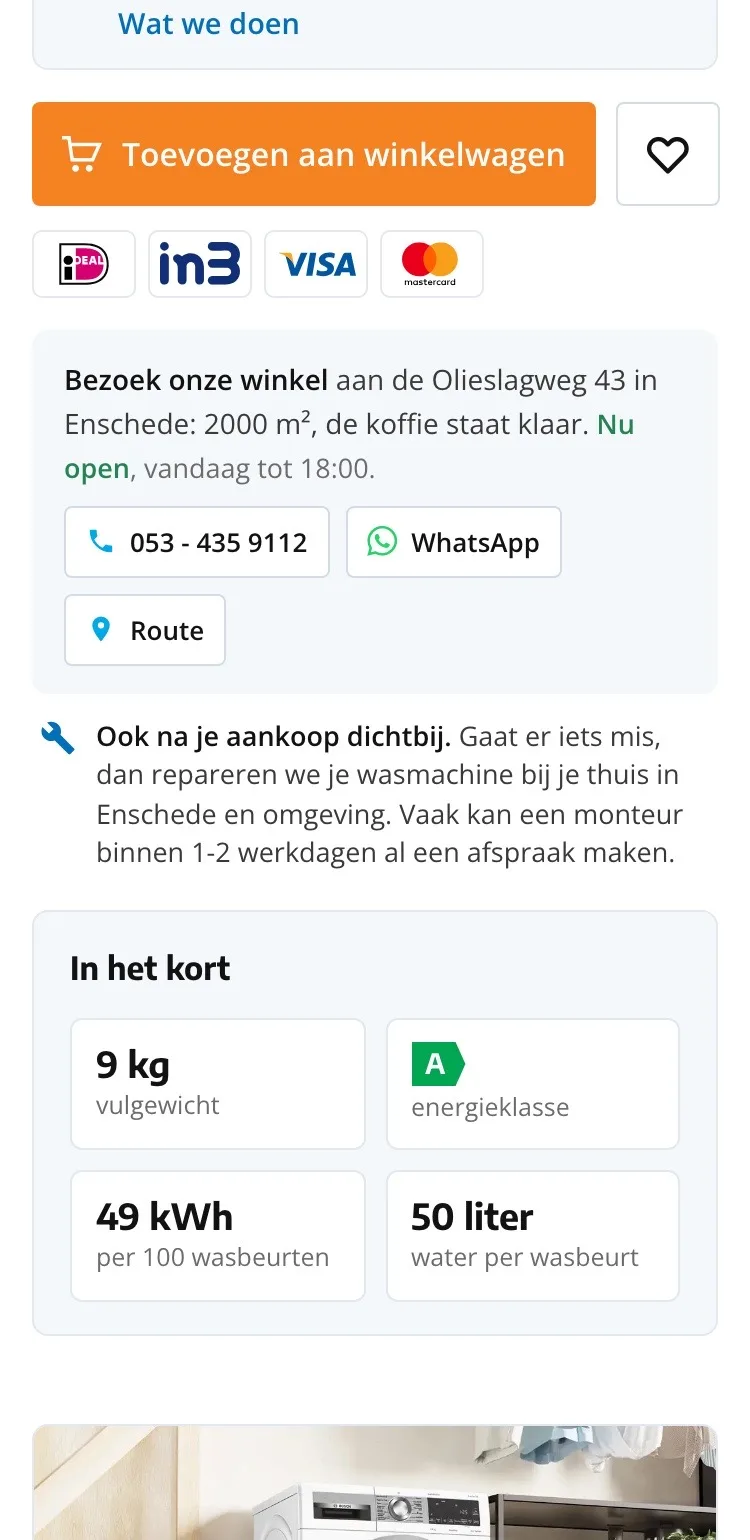
Around the button.
Payment, store and service below the button.
- 01Payment logos by the buttonOn mobile you couldn’t see anywhere how to pay. Now the logos sit right below the button.
- 02Store with address‘Bezoek onze winkel’ (Visit our store) becomes address, today’s opening hours, call, WhatsApp and directions in one block.
- 03Repairs at homeThat you also do repairs at people’s homes after the purchase is now below the button.
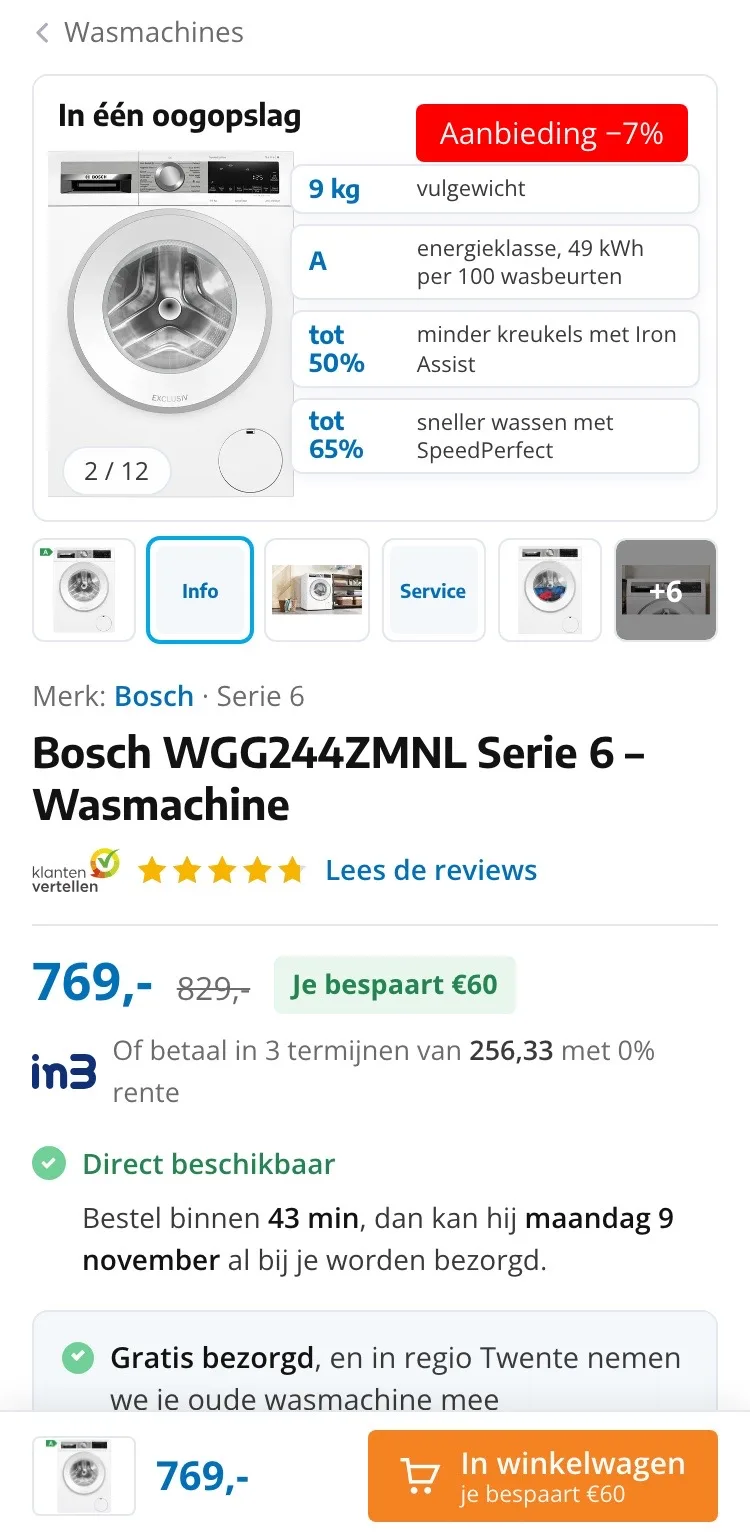
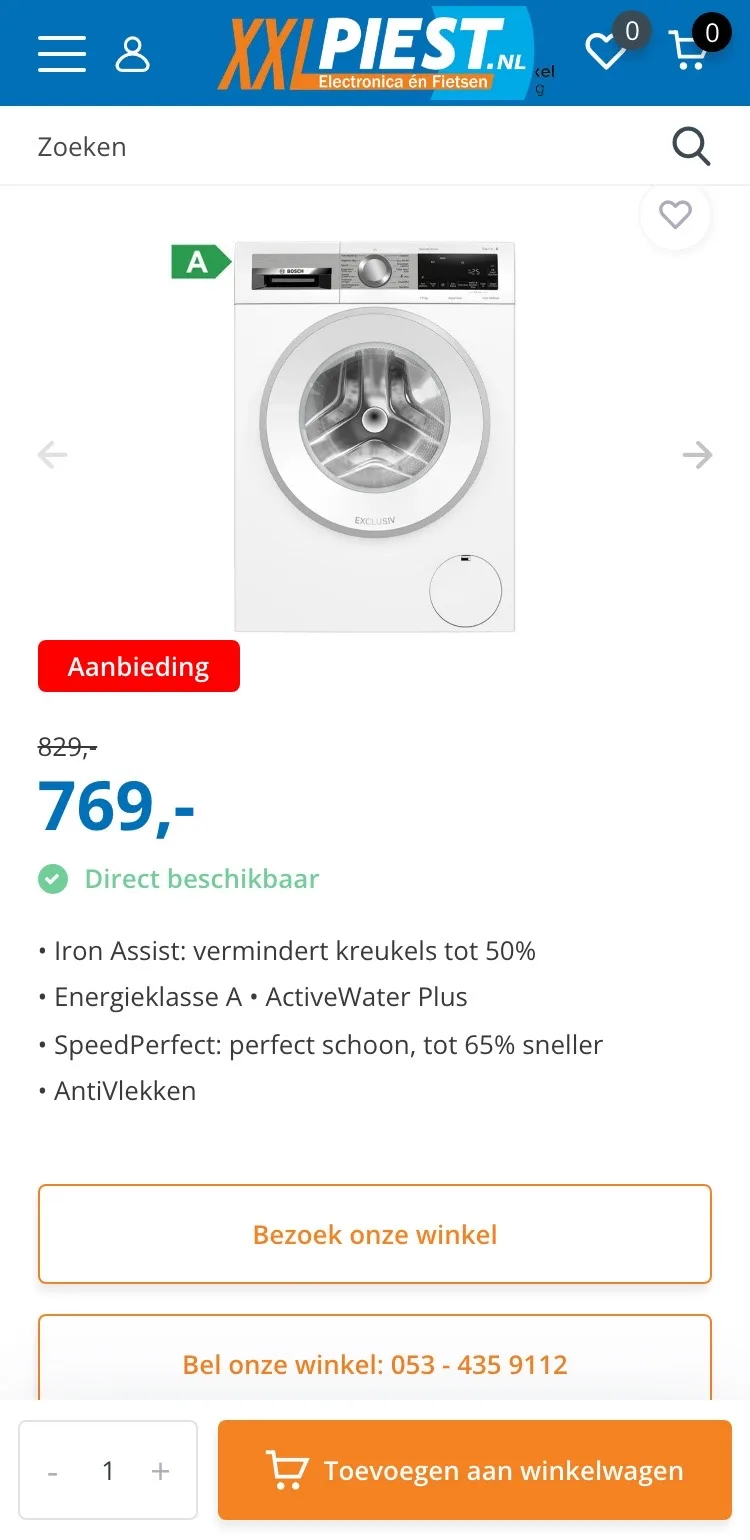
Photos.
The key figures as the second image.
- 01At a glanceLoad capacity, energy class, fewer creases and shorter wash time are on the second image.
- 02Discount in viewThe label on the photo now says ‘Aanbieding −7%’ (Offer −7%), so the discount stands out right away.
- 03Service as an imageAn image with delivery, connection and taking your old machine away, just as easy to swipe as the photos.
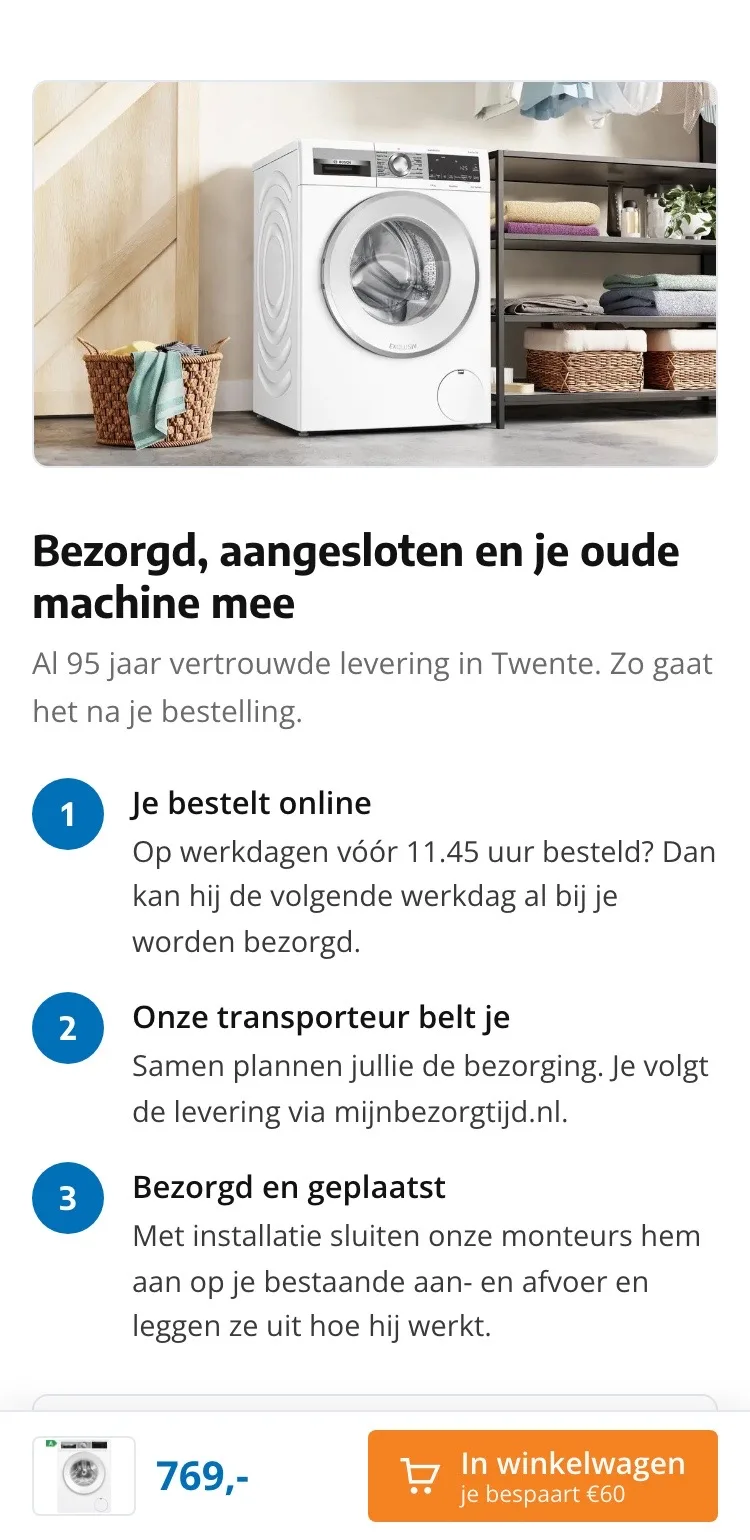
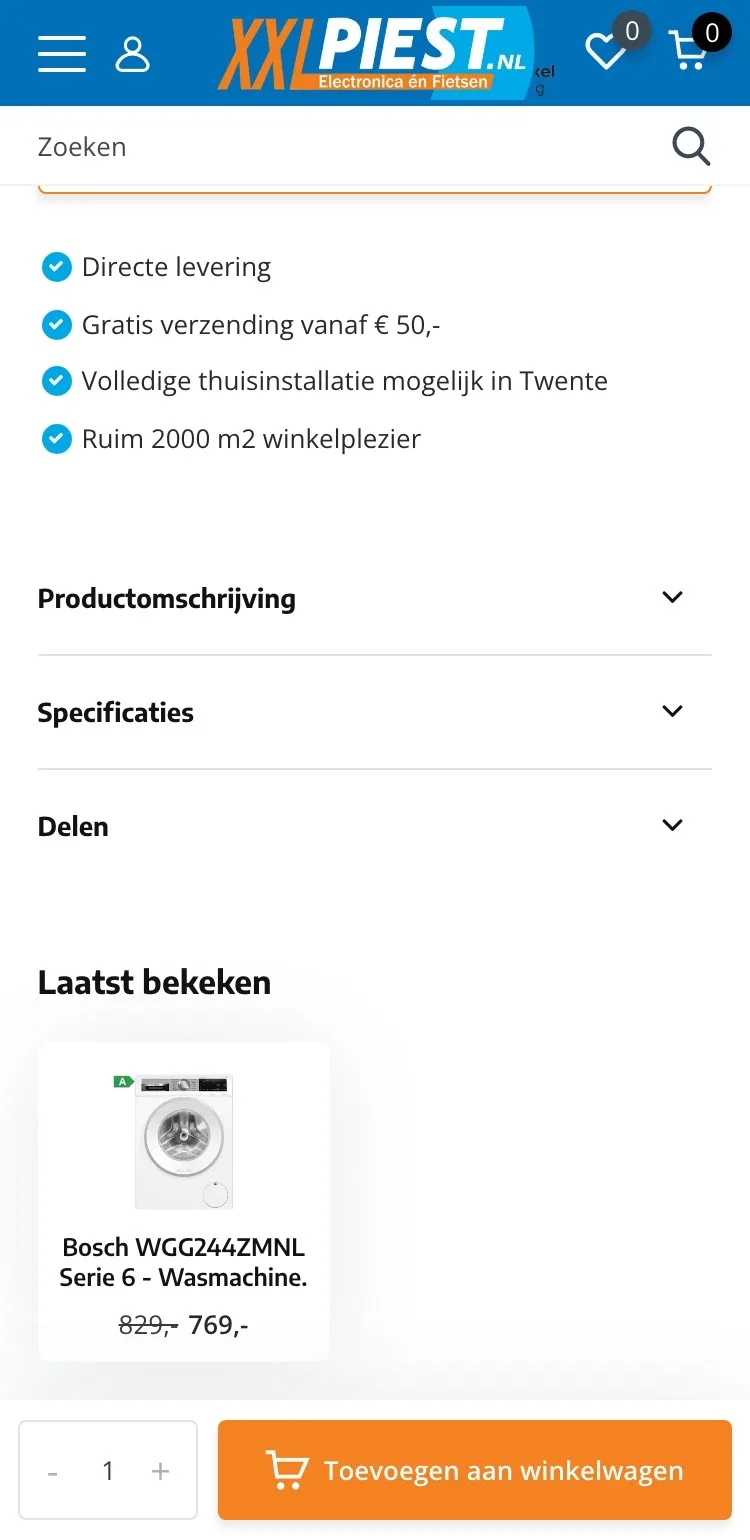
Delivered and connected.
What happens after you order.
- 01Service in view‘Volledige thuisinstallatie mogelijk’ (Full home installation available) was a separate line. Now a block with a photo explains how it works.
- 02Three stepsYou order, the carrier calls, it’s placed and connected. Quick to read on a small screen.
- 03What the technician doesAll the installation work is listed, with the price.
Why this washing machine.
Benefits instead of a long text.
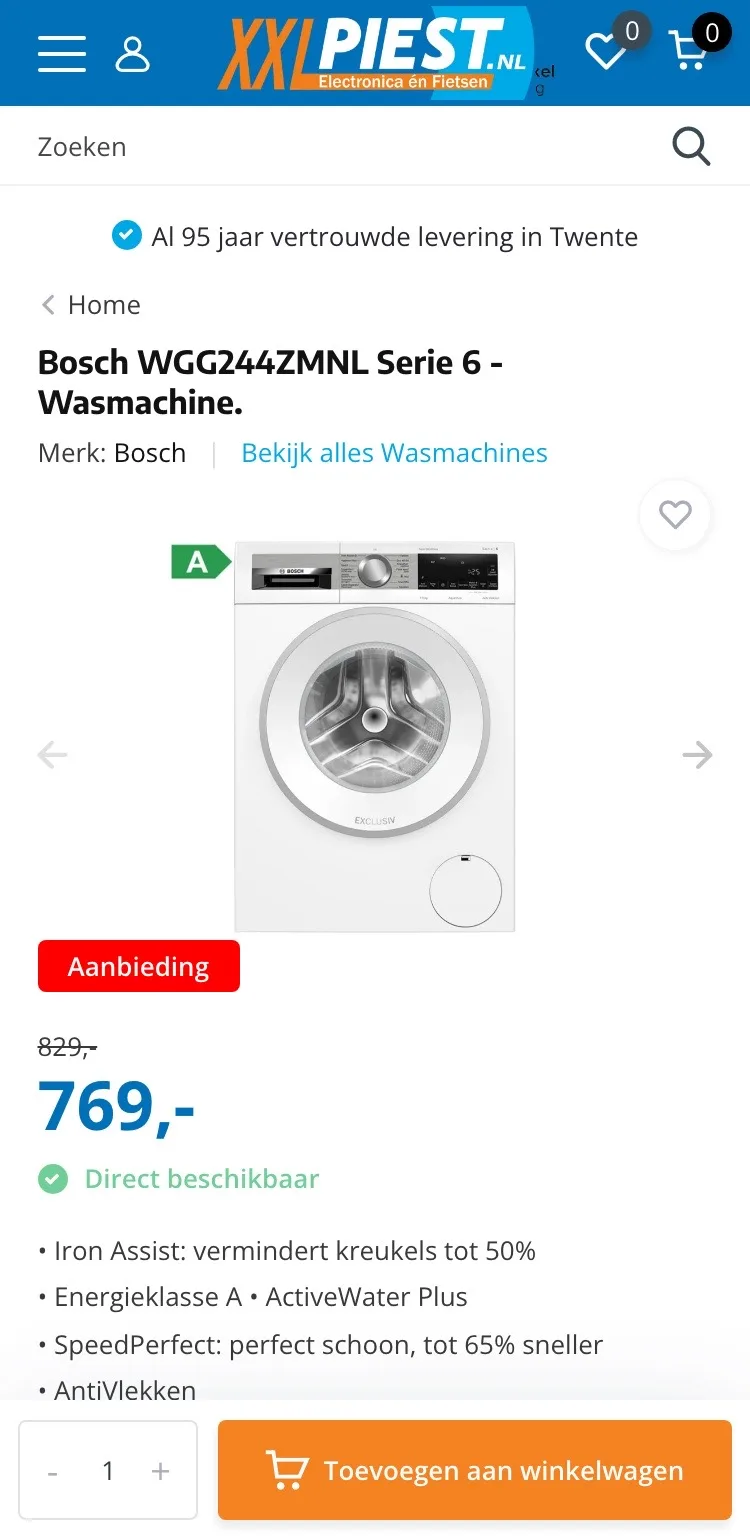
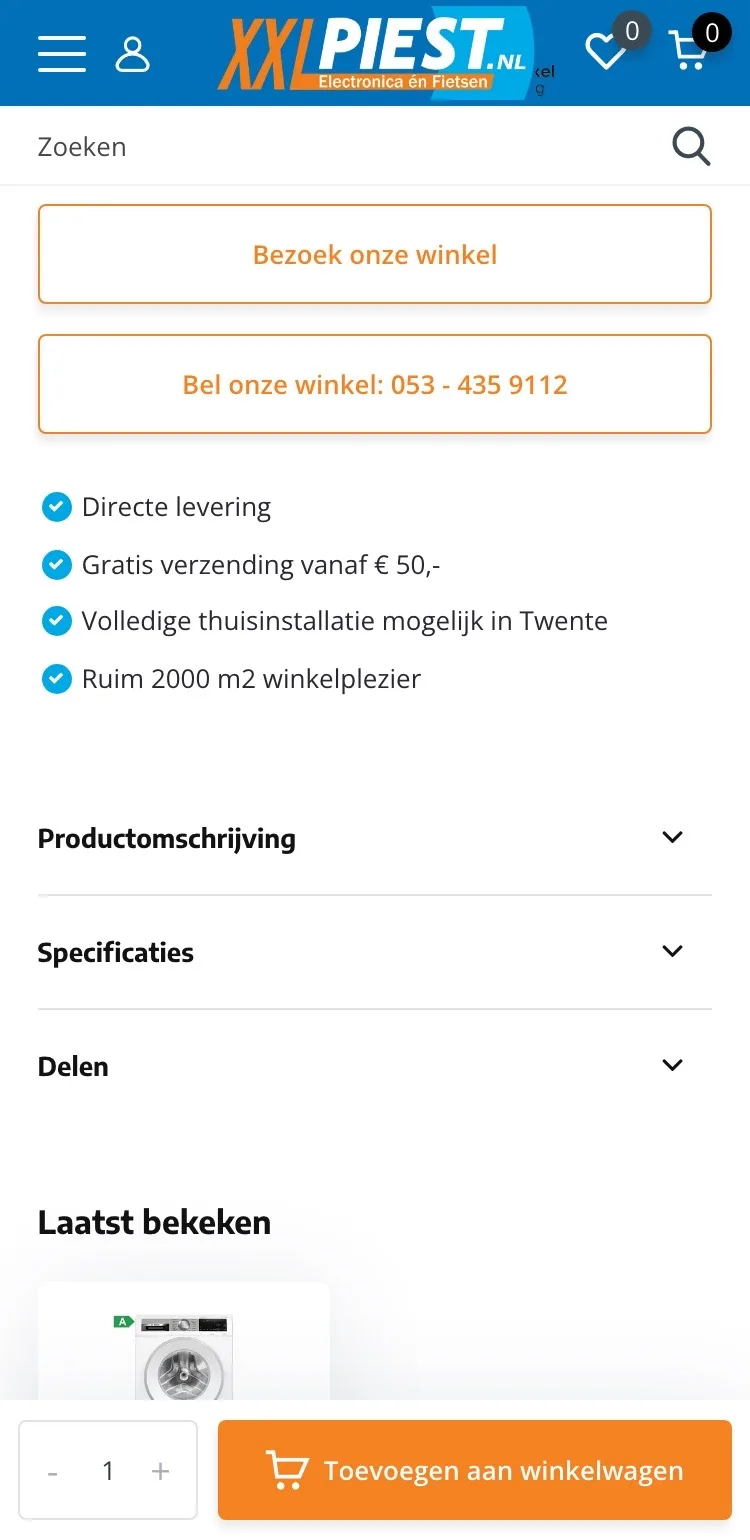
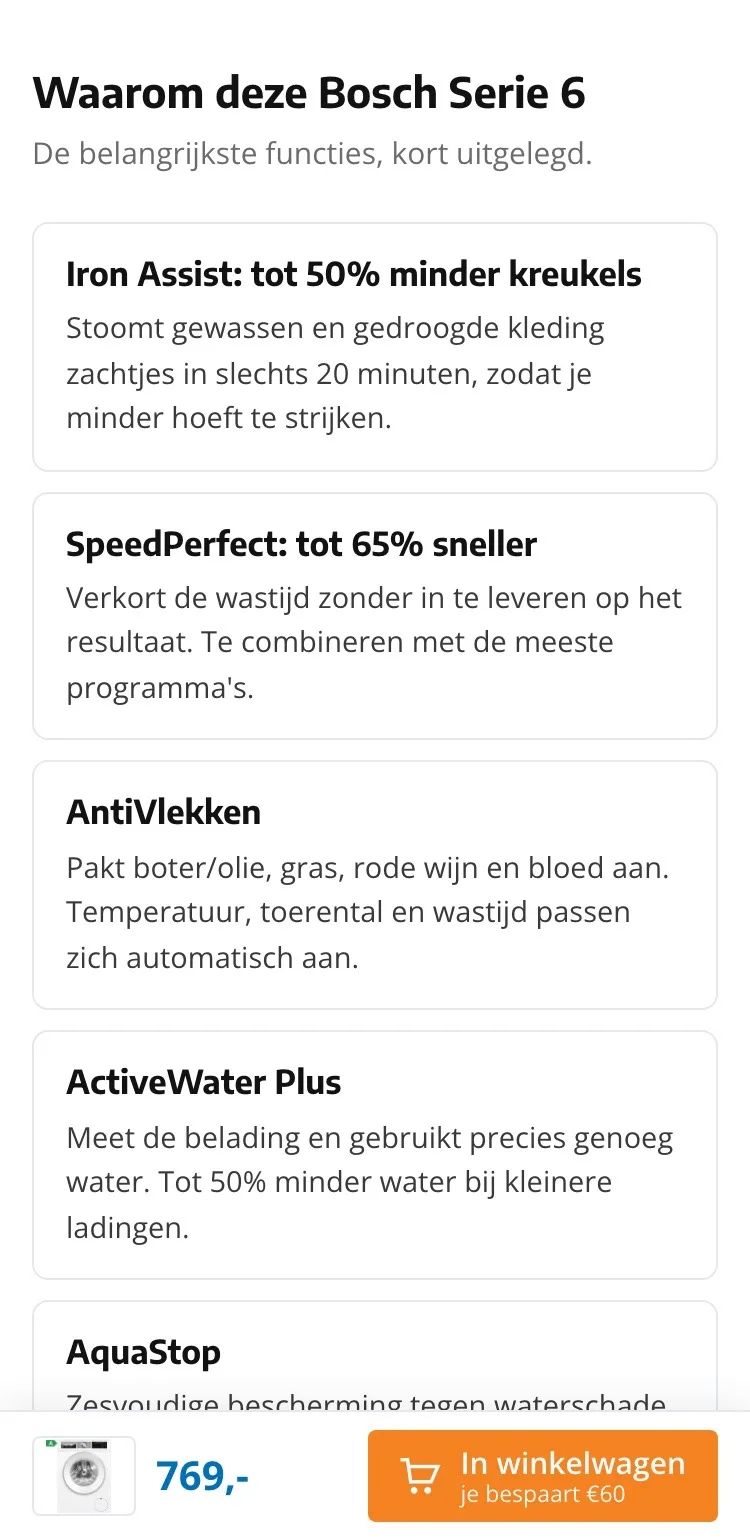
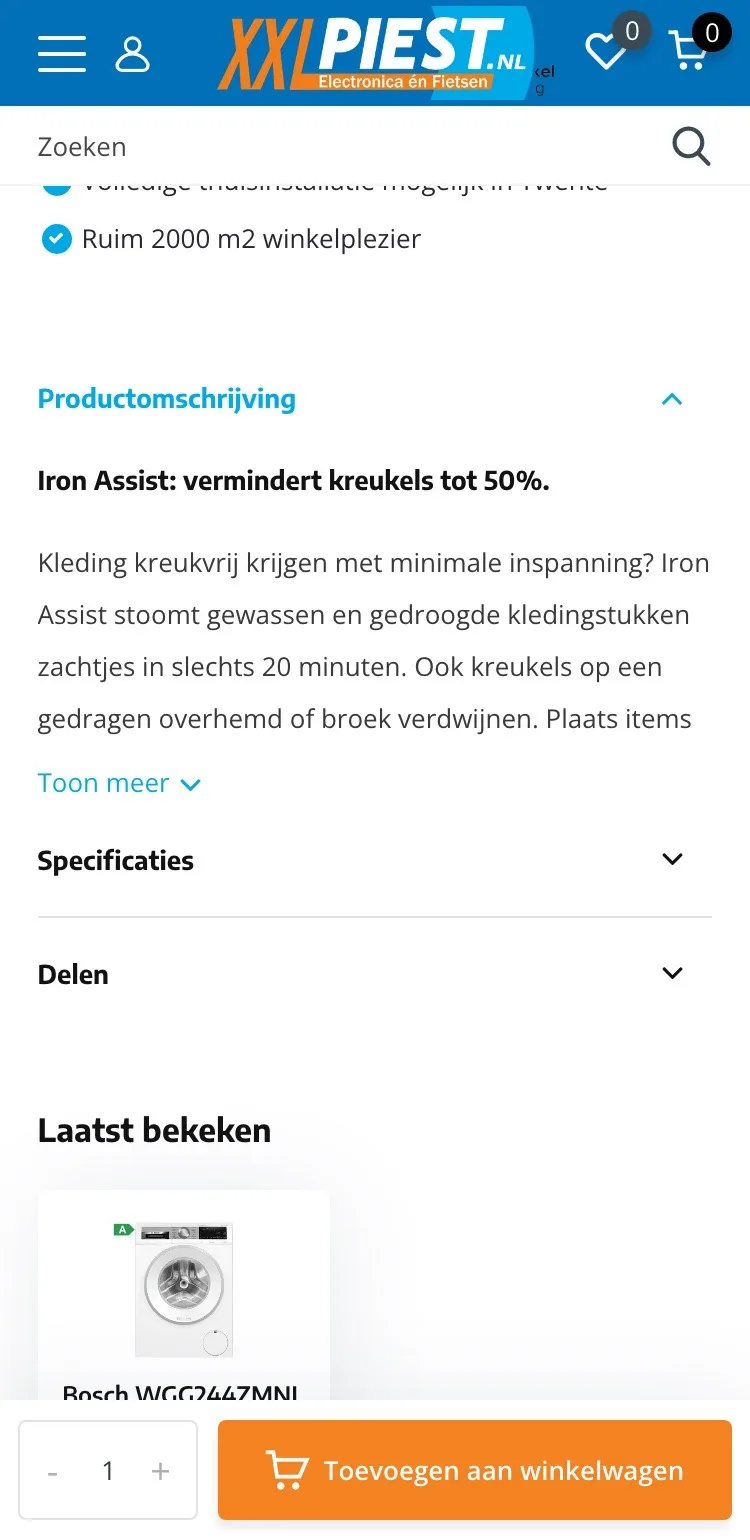
- 01No longer collapsedThe description was hidden in a collapsible block and behind ‘Toon meer’ (Show more). Now the benefits are open on the page.
- 02Cards you can scanIron Assist, SpeedPerfect and AntiVlekken: each benefit in its own card with two sentences.
- 03Headings that tell you somethingEach card starts with what it does for you, like ‘tot 65% sneller’ (up to 65% faster).
Specifications.
Everything you want to know before you buy.
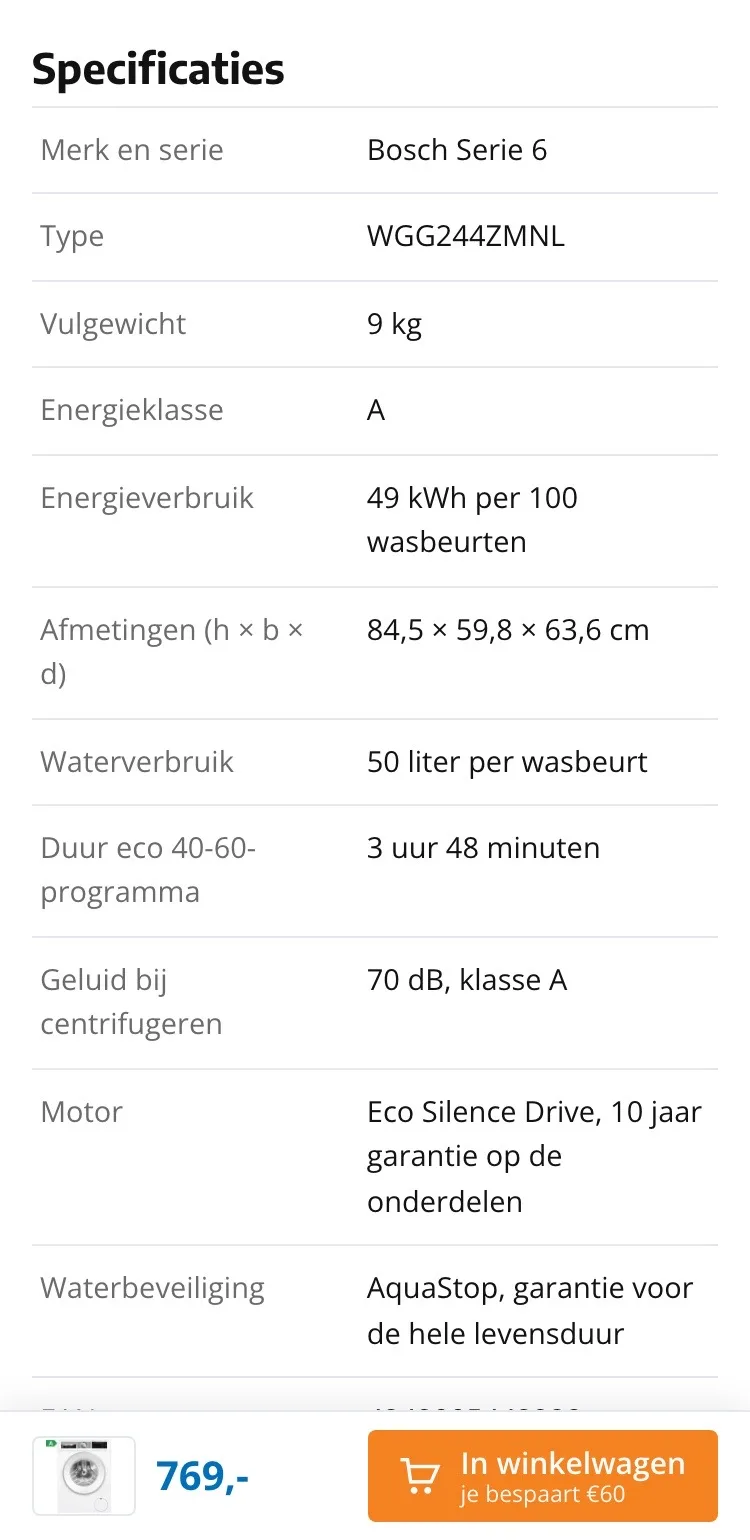
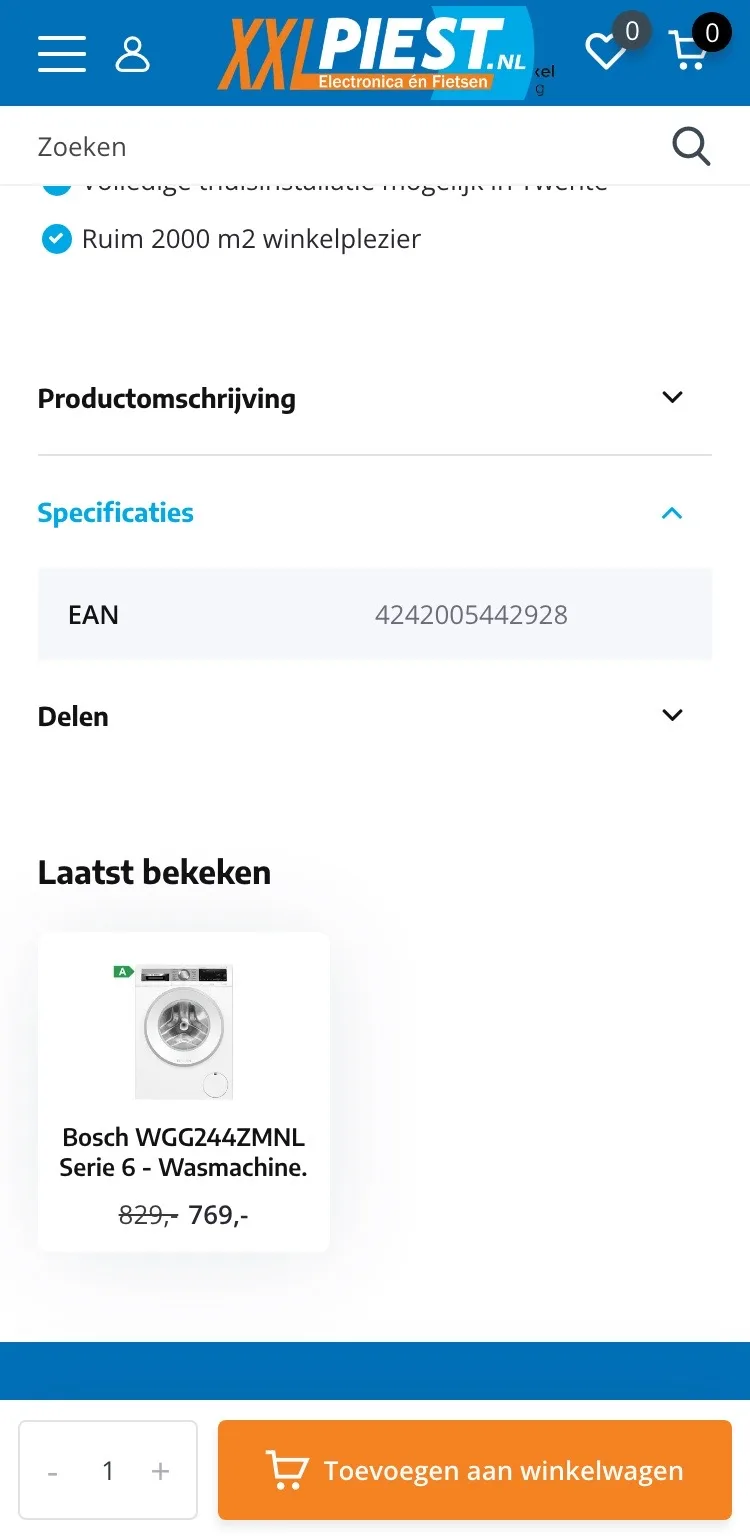
- 01More than an EANBehind ‘Specificaties’ (Specifications) there was only the EAN. Now you read load capacity, consumption, dimensions and noise.
- 02Dimensions in the tableHeight, width and depth are included, so you know whether it fits.
- 03Data from the labelThe figures come from this washing machine’s energy label.
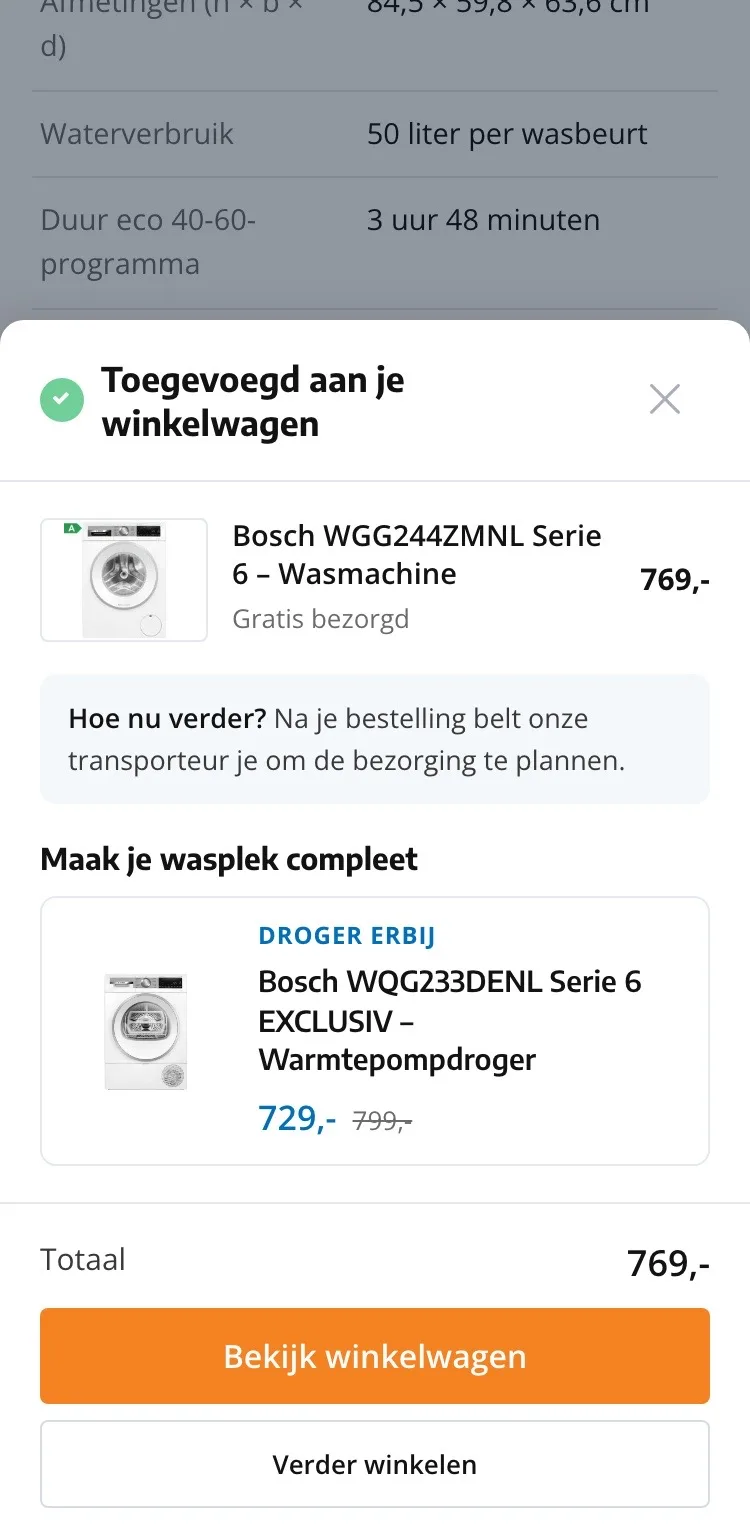
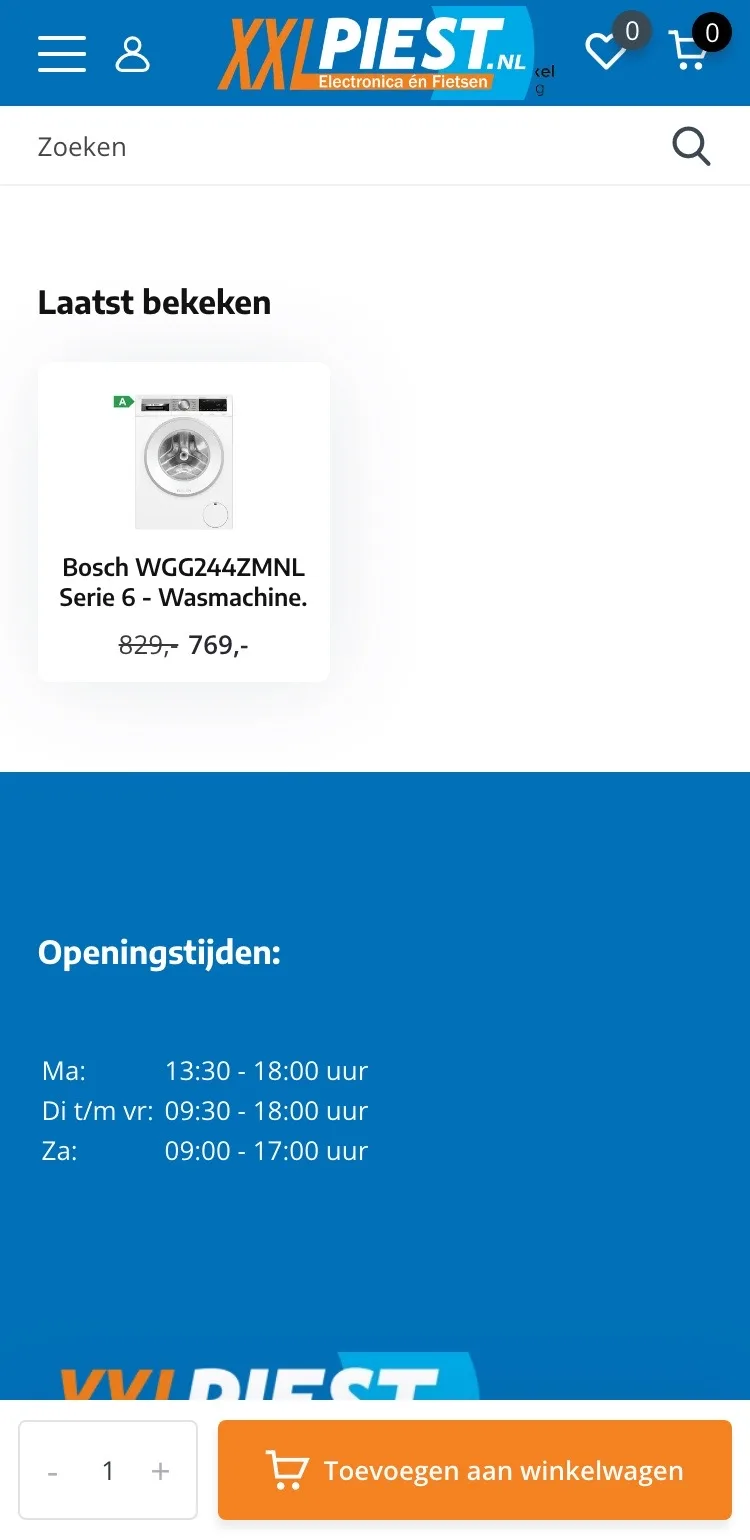
After adding to cart.
A clear next step.
- 01Confirmation in viewAfter adding, you see which washing machine is in your cart, and that it’s delivered for free.
- 02What happens next?You read right away that the carrier will call to schedule the delivery.
- 03Add the dryer‘Laatst bekeken’ (Recently viewed) only showed this washing machine. Now the matching dryer is in the confirmation.
Click through the new design yourself.
The design works like a real page, on desktop and on your phone. You just can’t place an order with it yet.
From design to more orders.
This is how we take the new design live, and measure what it delivers.
- 01Only the pageHeader, menu, USP bar and footer stay exactly as they are now. We only change the content of the product page.
- 02Test first, then go liveWe run the new design in an A/B test next to the current page and measure orders per visitor.
- 03Your own strengthsYour own photos, visuals, reviews and tone of voice: it all came from you already, just in a better place.
This design live
on your online store?
With the AI Design Agent, we put this design on your existing online store, and then keep improving it every month with CRO. Built by our specialists. Without spending thousands of euros a month on it.
- No rebuild, no migration
- Your back office stays the way you know it
- Only goes live after your approval
- 01Ongoing development for a fixed monthly feeNo separate quotes for every change. If we see an opportunity or you have an idea, we build it.
- 02CRO improvements, implemented right awayWe analyze your online store and implement improvements in days instead of months.
- 03Safe, and you see what changesWe build and test everything in a preview first. It only goes live after your approval, and every version is saved.