 Google Ads
 Meta Ads
 Email marketing
 Lightspeed eCom Toolkit
 Shopify Toolkit
Your product page,
redesigned.
A new design for the product page of winkeltjevanlynn.nl: Cargo jeans extra long | Khaki. Below you see every screen before and after, and what we improved.
- 8 before-and-afters
- 16 improvements
- winkeltjevanlynn.nl
Every screen, compared.
Pick a screen and drag across the screenshot. On the left you see the page of winkeltjevanlynn.nl as it looked on November 17, 2026, on the right the new design.
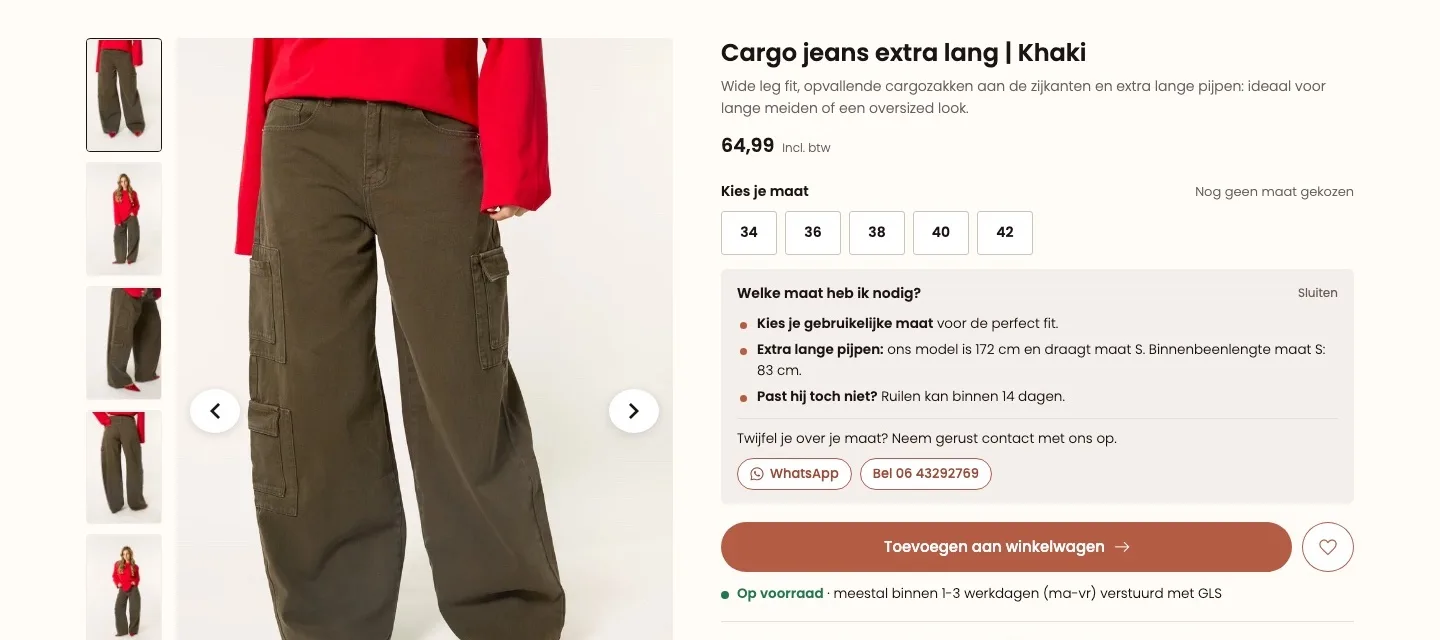
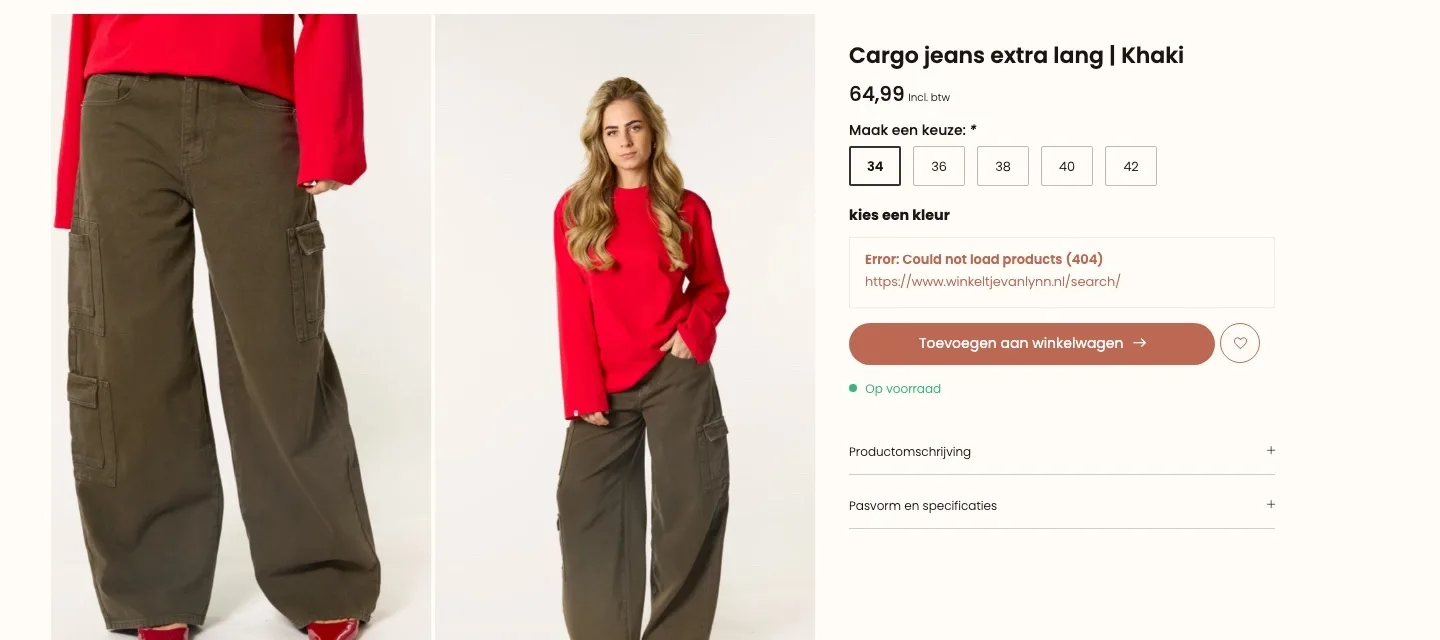
Choose without doubt.
No size picked for you in advance.
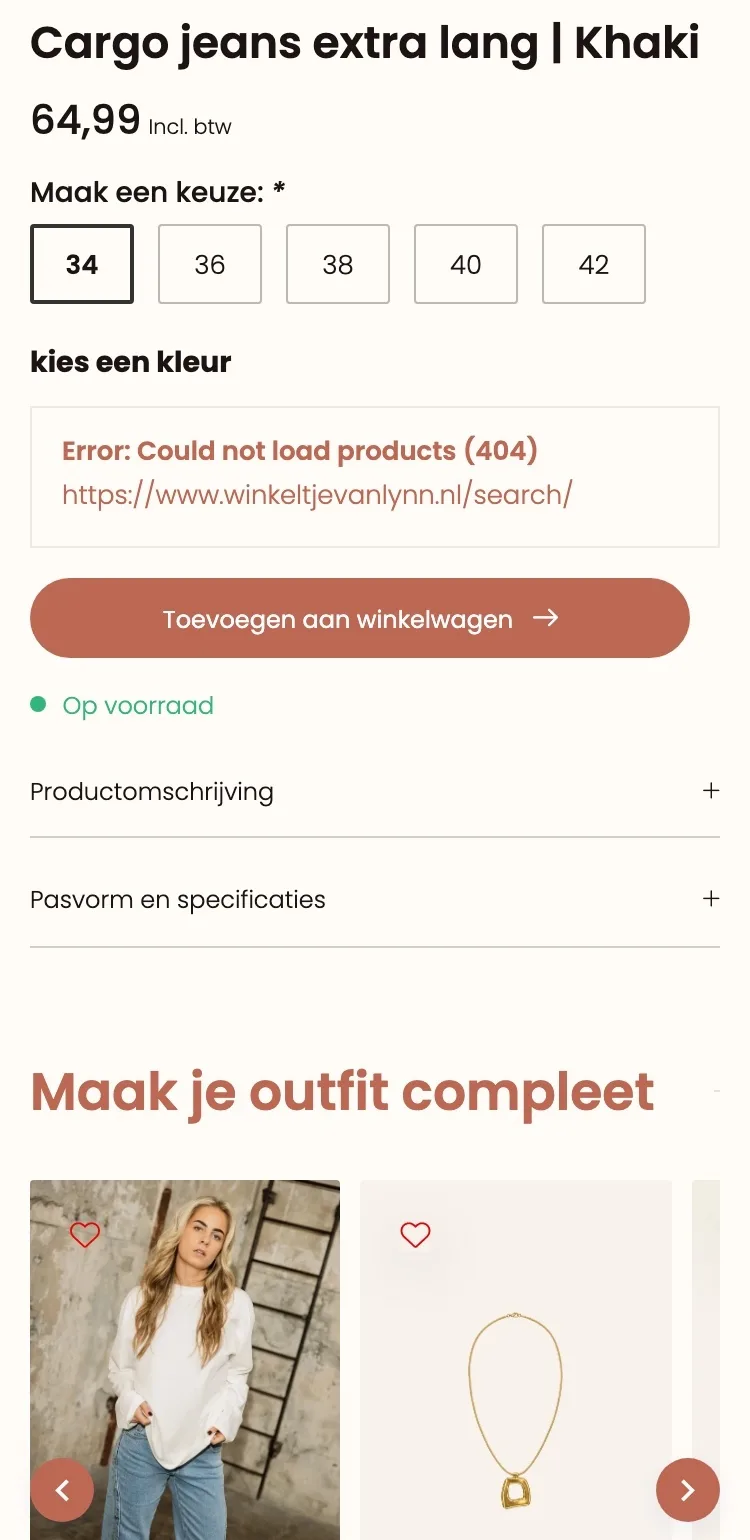
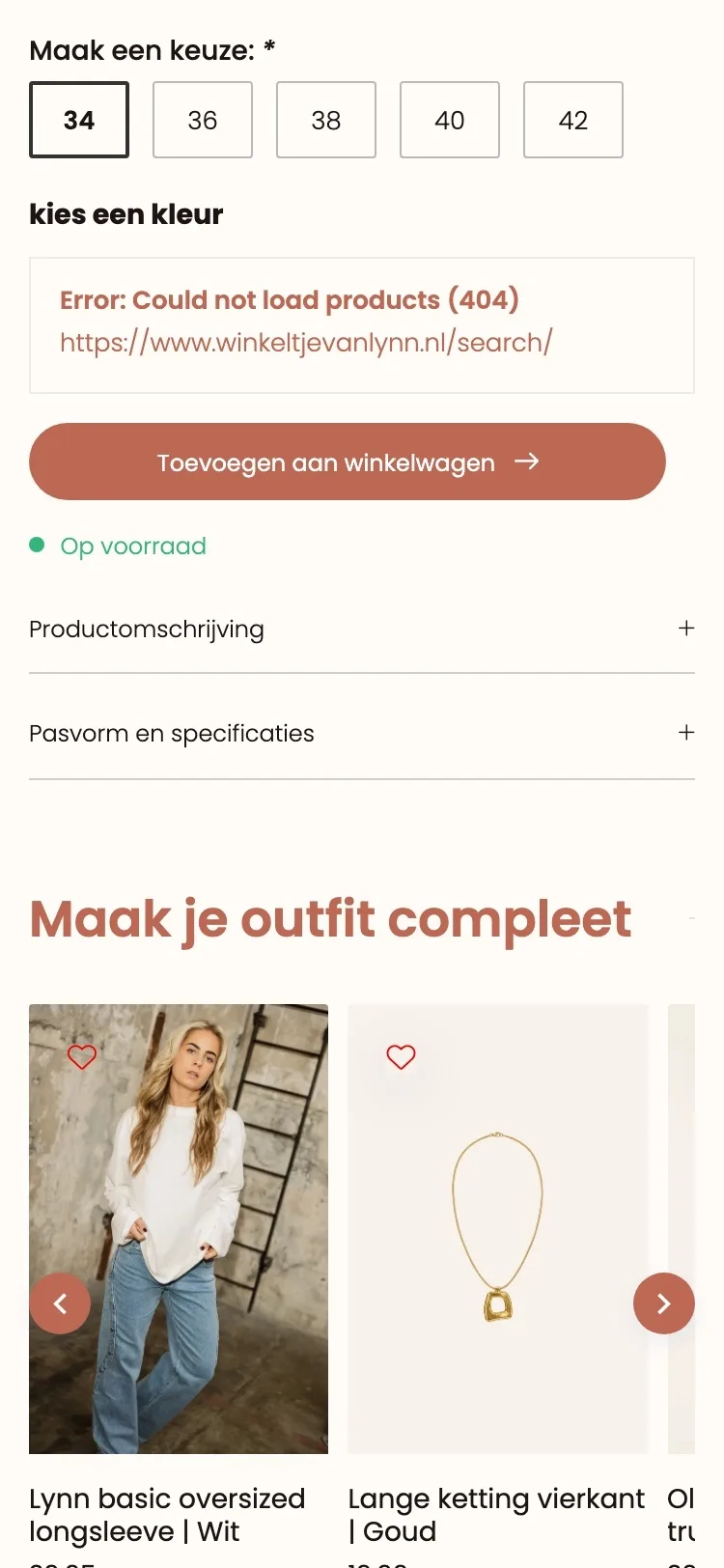
- 01No error messageOn November 17 there was an error message (404) under ‘kies een kleur’ (choose a color). In the design that block is gone, so the buy box looks reliable.
- 02Pick your own sizeSize 34 was already selected, so anyone who hit the button quickly got a 34. Now you choose yourself and see which size you picked.
- 03Size advice next to the sizesFit and model size were hidden in ‘Pasvorm en specificaties’ (Fit and specifications). Now they're shown openly next to the size choice, with WhatsApp and call options.
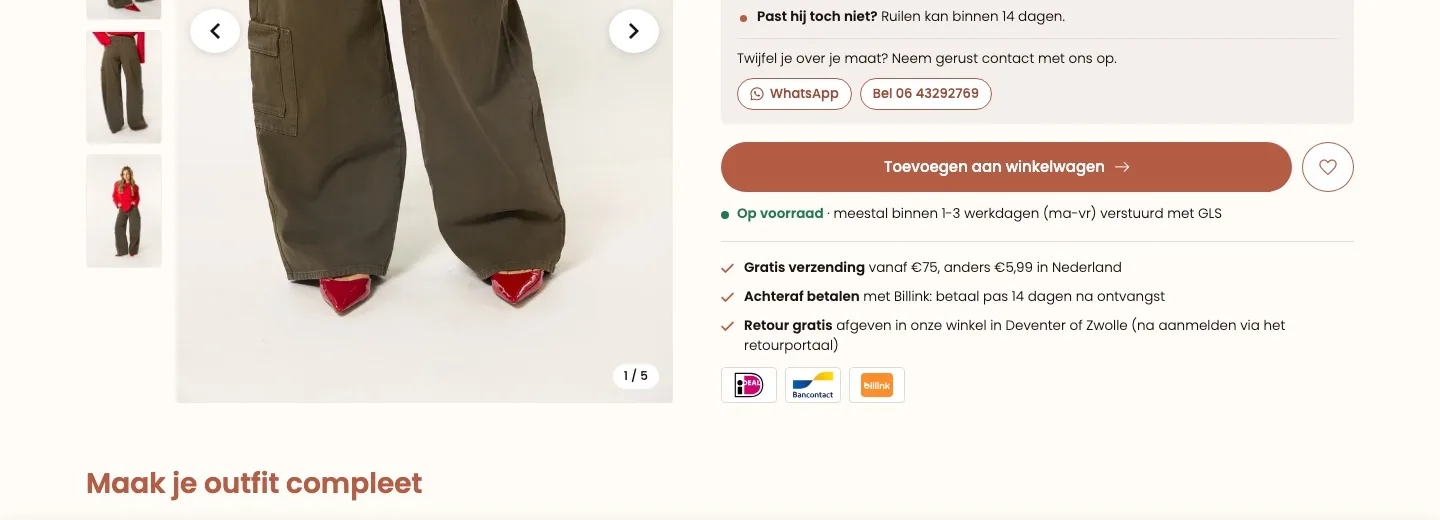
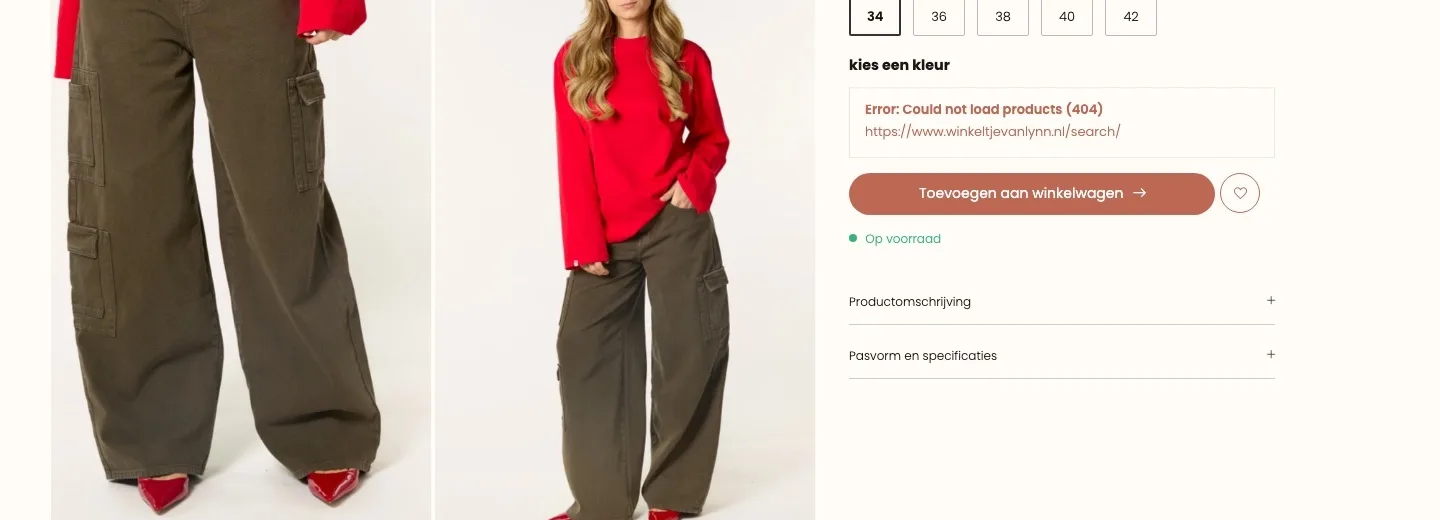
Around the button.
Delivery, benefits and payment right under the button.
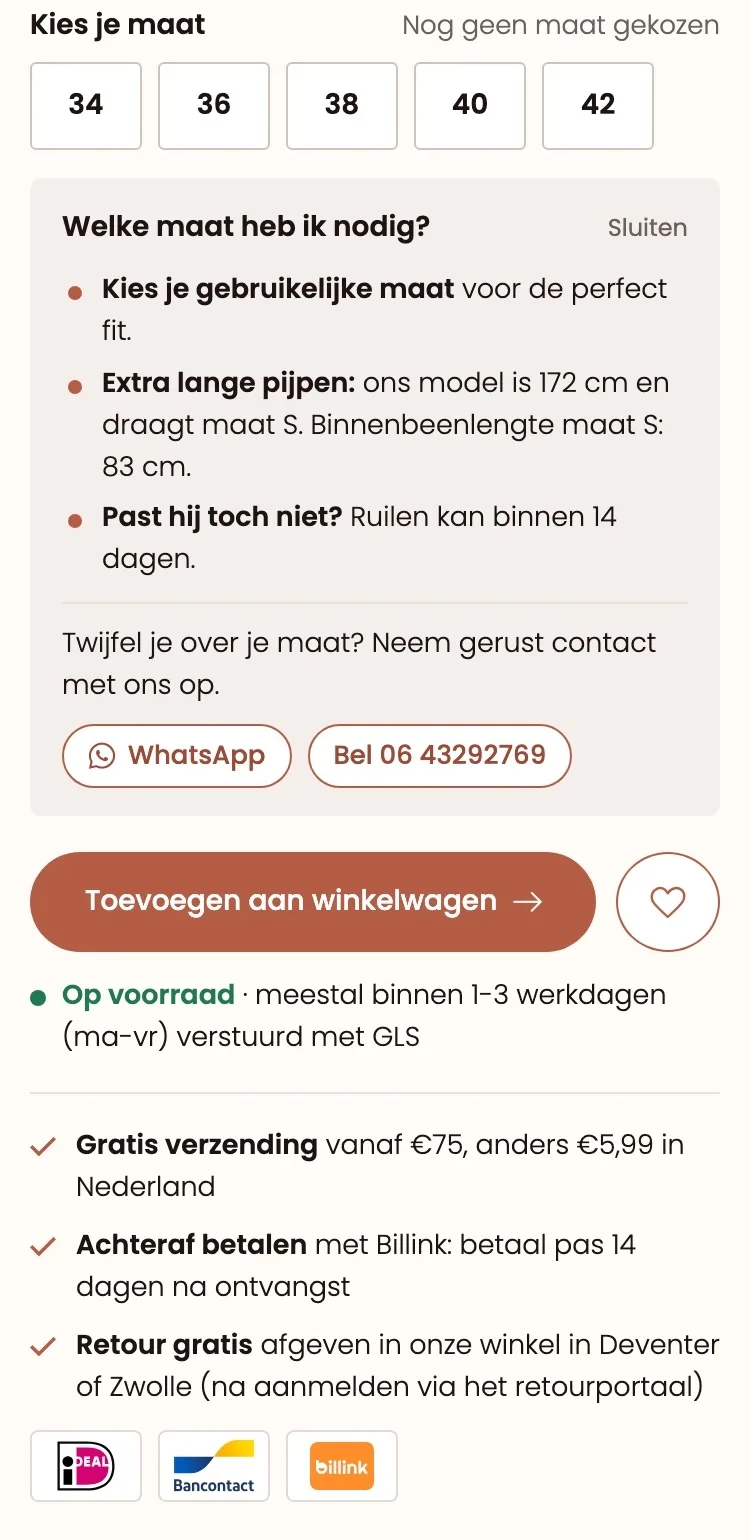
- 01You know when it arrivesUnder the button it said ‘Op voorraad’ (In stock). Now it also says: usually shipped within 1-3 business days (Mon-Fri) with GLS.
- 02Benefits by the buttonFree shipping from €75, Billink and returns weren't near the button. Now you read them there in three short lines.
- 03Payment logos by the buttoniDEAL, Bancontact and Billink were down in the footer. Now they're under the benefits, close to your decision to buy.
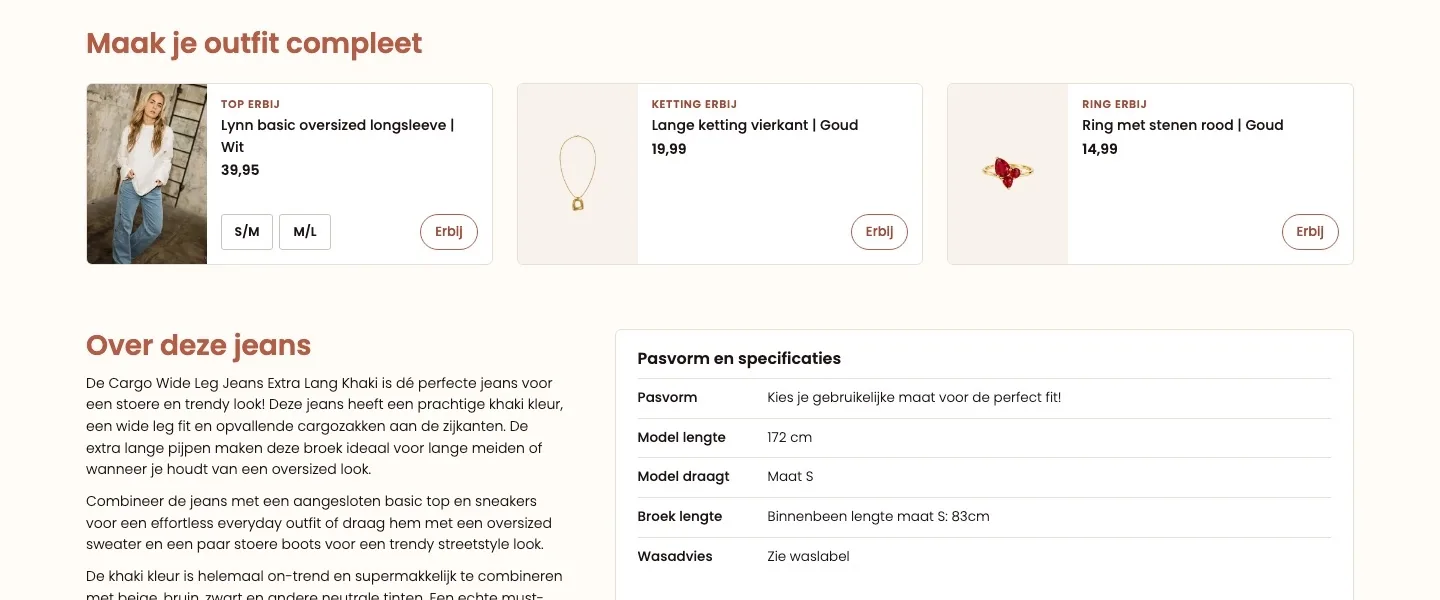
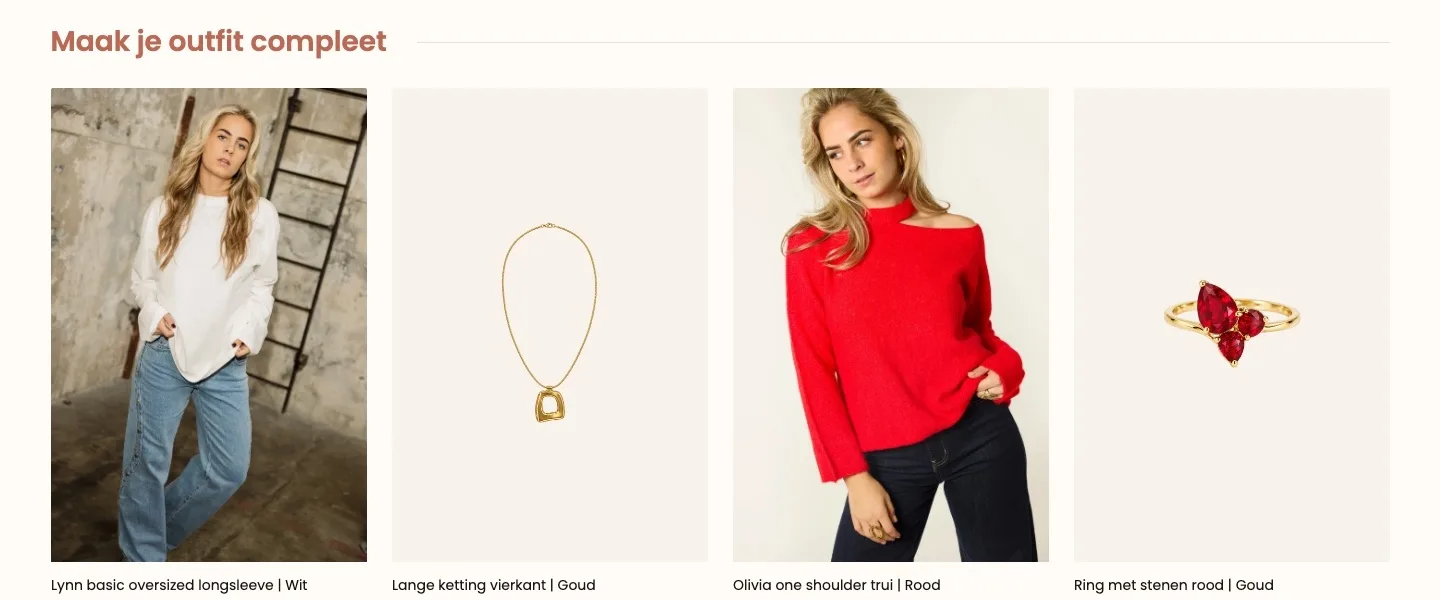
Complete your outfit.
Mix and match, and add it right away.
- 01Add it right awayThe outfit showed photo, name and price, without a cart button. Now you put each item in your cart right away (for the longsleeve you pick a size first).
- 02You see right away what it isThere were only product names. Now each name has a label above it saying what it is: top, necklace or ring.
- 03Pick a size in the cardFor the longsleeve you choose S/M or M/L in the card itself, without leaving the page.
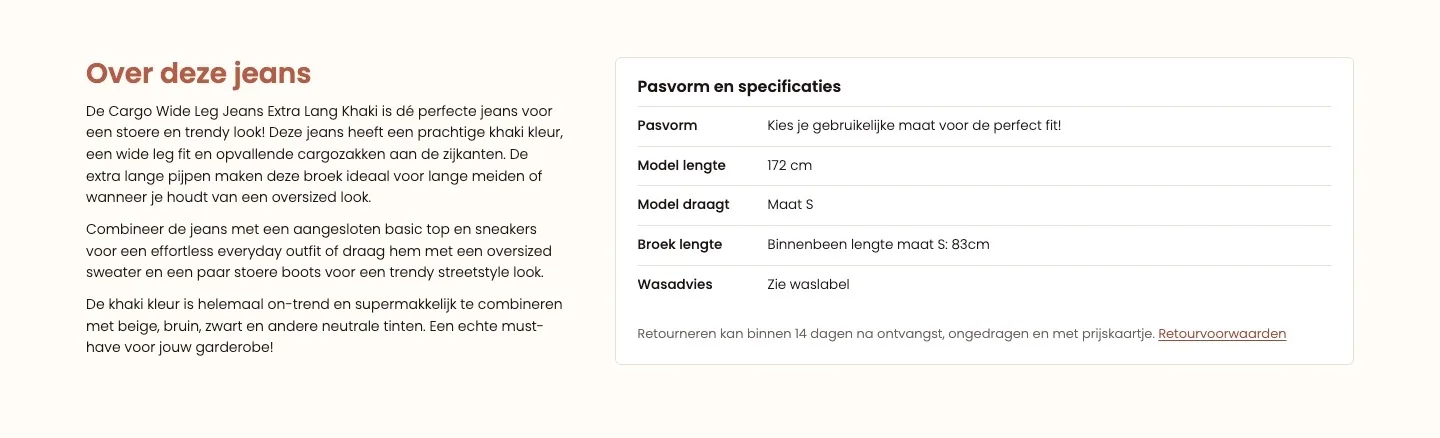
Description and fit.
All the information open, no clicking needed.
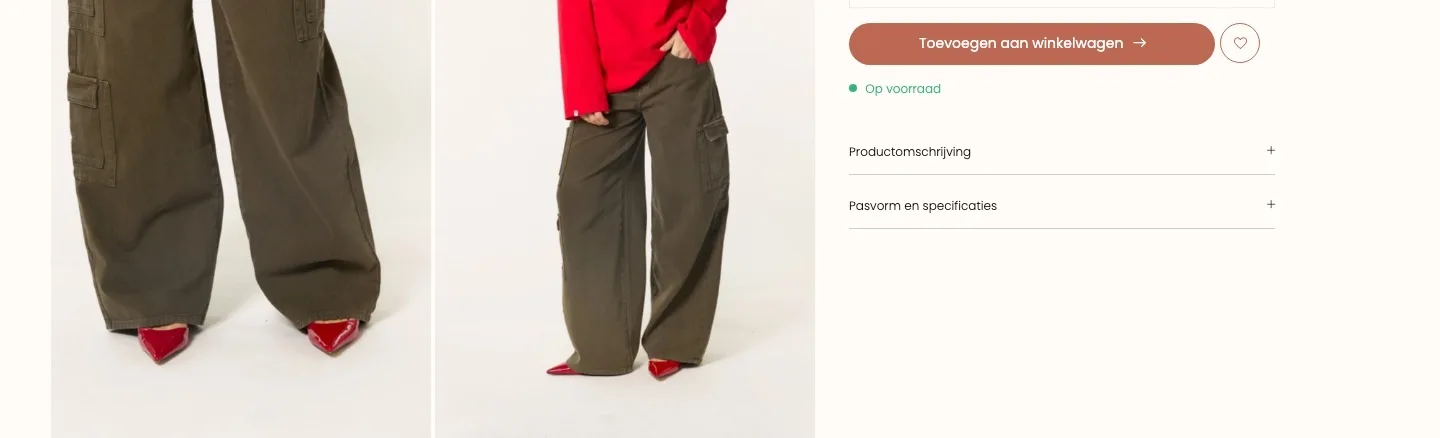
- 01Description open‘Productomschrijving’ (Product description) was a closed line with a plus sign. Now you read the text right away, including how to style these jeans.
- 02Fit in a tableFit, model height and inseam were behind a second plus sign. Now they're in a clear table.
- 03Only what helps you chooseThere was an EAN code among the specifications. It's gone; you only read what you need to choose your size.
At the top.
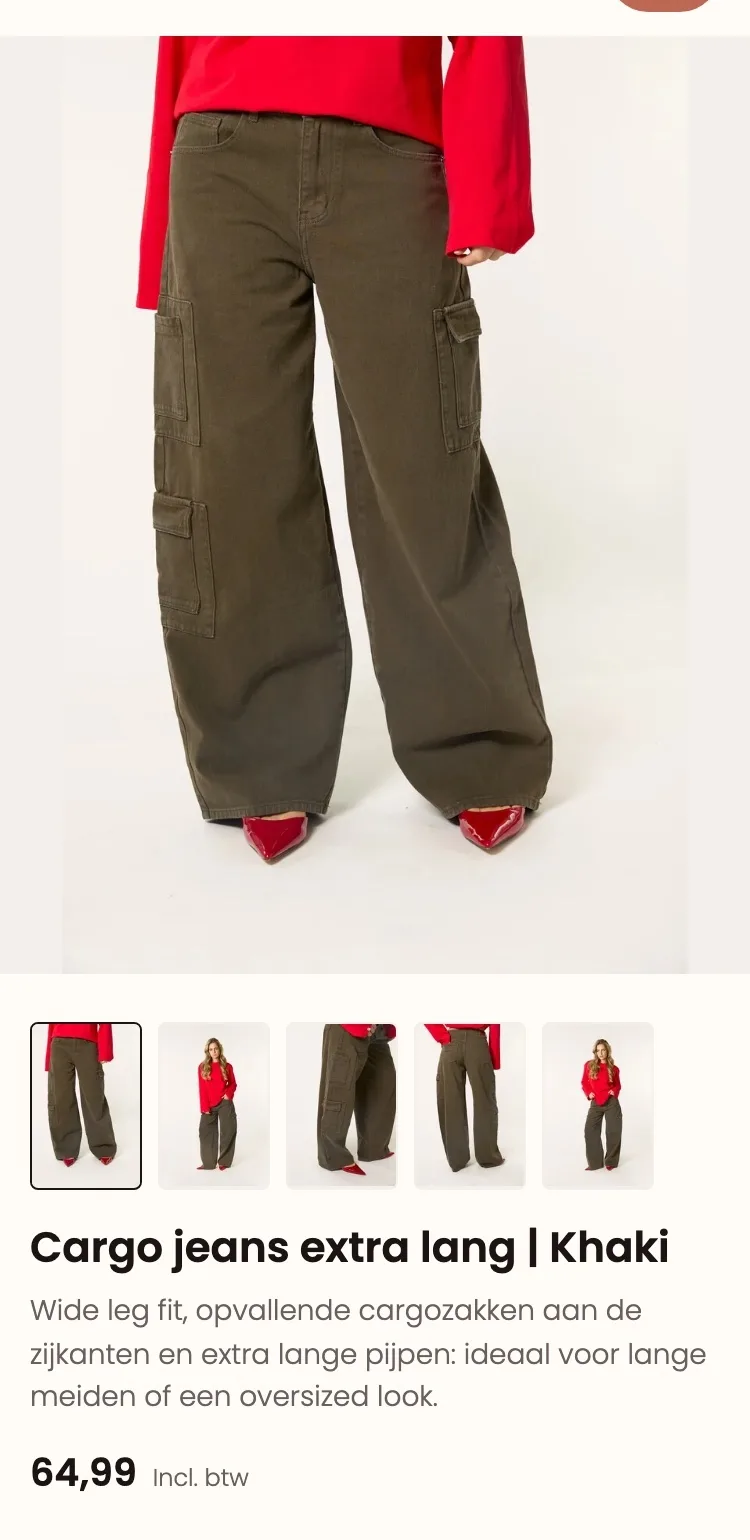
The full photo, and you know right away what it is.
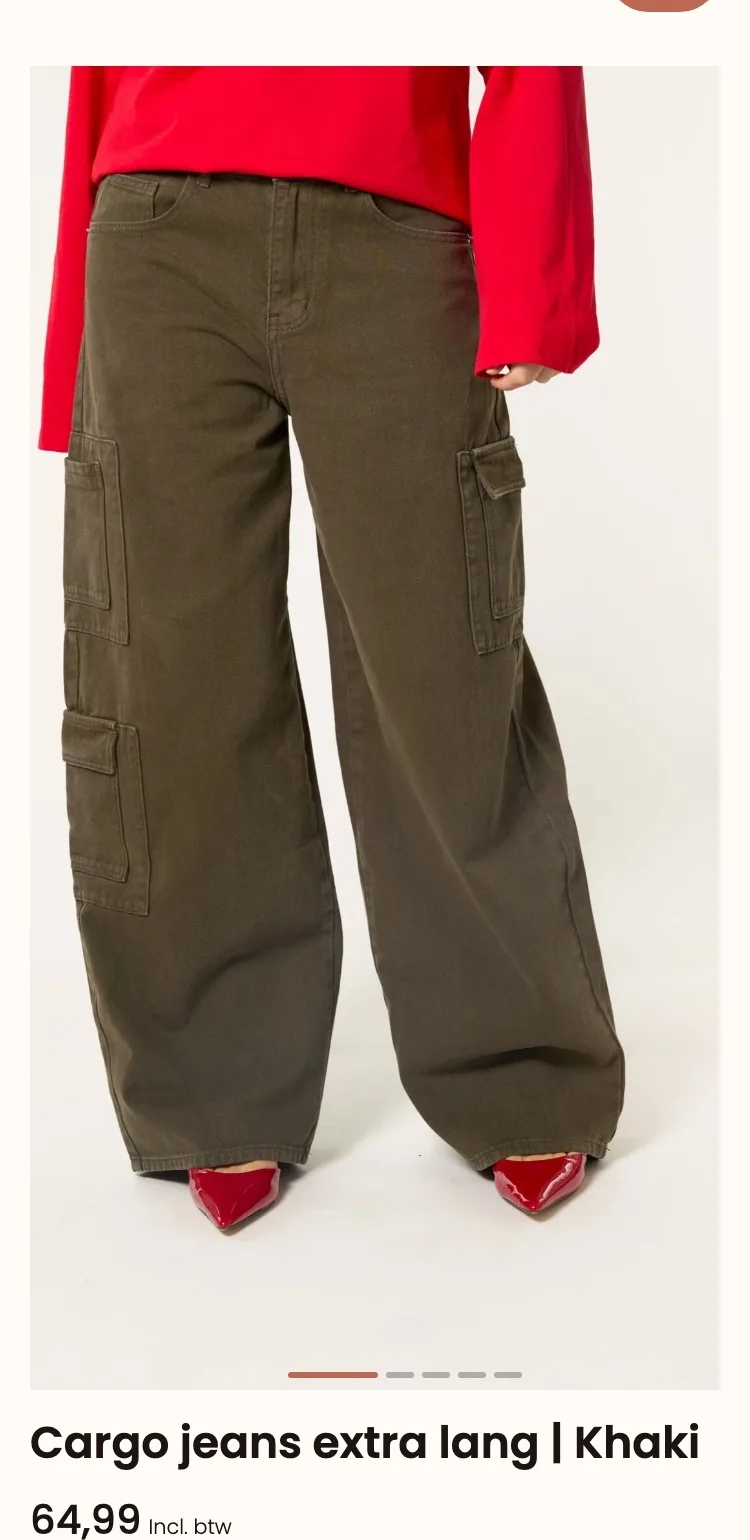
- 01Photos shown in fullThe photos were cropped to a narrow, tall frame. Now you see each photo the way it was taken.
- 02Thumbnails under the photoUnder the photo there were five little dashes. Now you see all five photos as thumbnails and tap straight to them.
- 03Short description by the titleUnder the title there was only the price. Now you read right away: wide leg, cargo pockets and extra long legs.
Choose and buy.
Size, advice and delivery in one place.
- 01No error messageOn November 17 there was a red error message under ‘kies een kleur’ (choose a color). In the design it's gone, and size 34 isn't preselected.
- 02Size advice next to the sizesIt was hidden in ‘Pasvorm en specificaties’ (Fit and specifications): true to size, model 172 cm wearing size S, inseam 83 cm. Now it's shown openly next to the size choice.
- 03Not sure? Message or callThe phone number was only in the footer. Now you tap WhatsApp or call right by the size advice.
Button always at hand.
You can buy further down the page too.
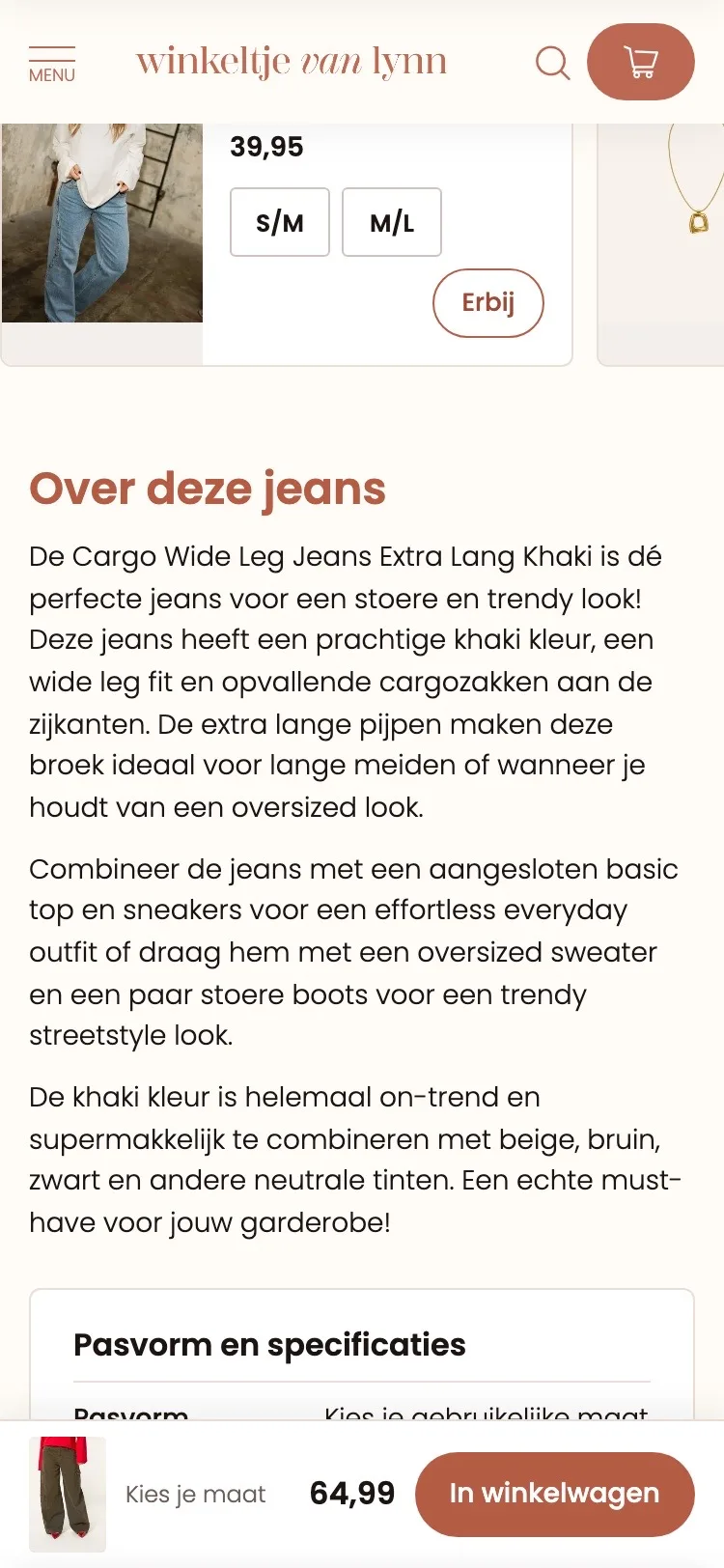
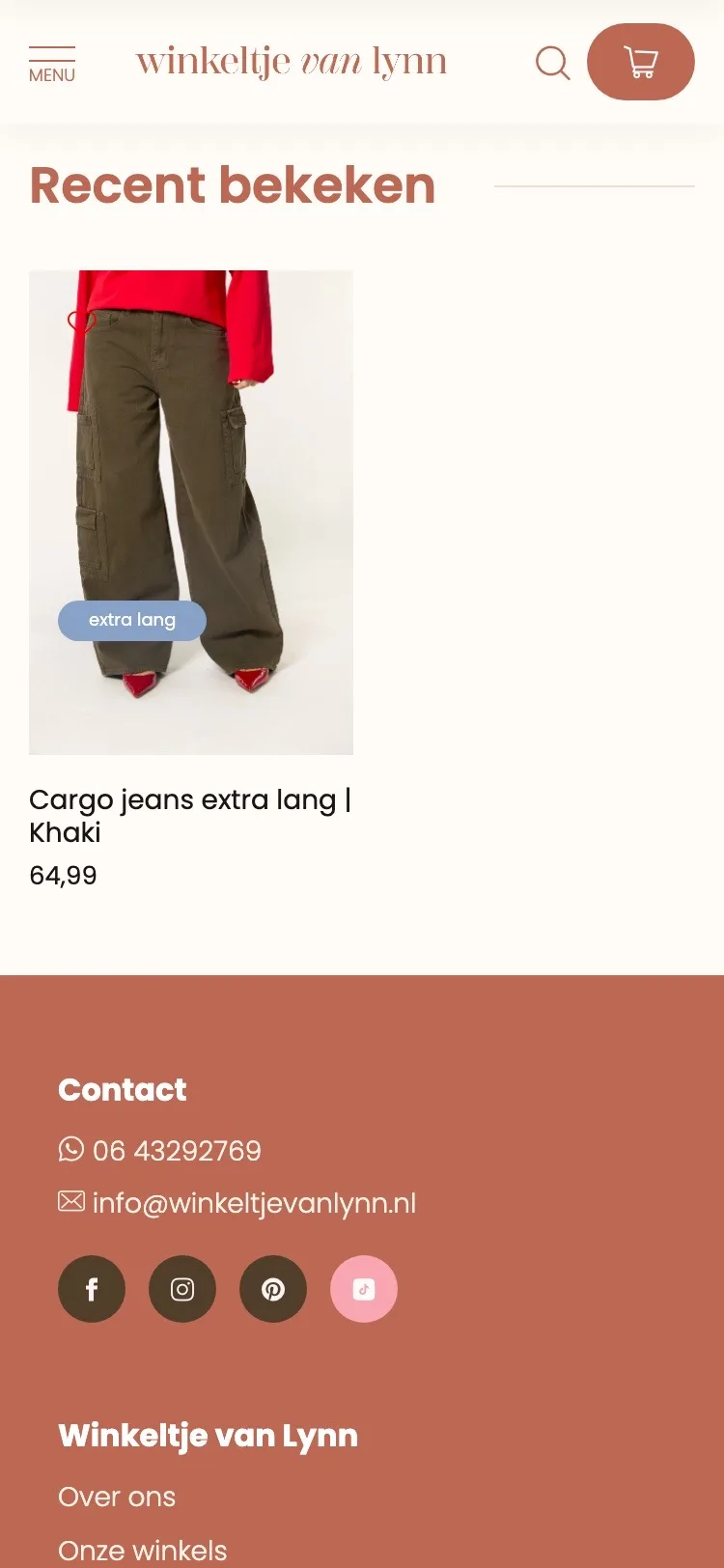
- 01Buy bar at the bottomFurther down the page there was no button in view anymore. Now there's a bar at the bottom with photo, price and button.
- 02Your size in the barThe bar shows ‘Kies je maat’ (Choose your size) or the size you picked. So you always see what you're about to order.
- 03Read and buy at the same timeWhile you read the description or the fit, the button simply stays in view at the bottom.
Size first, then done.
Never the wrong size by accident.
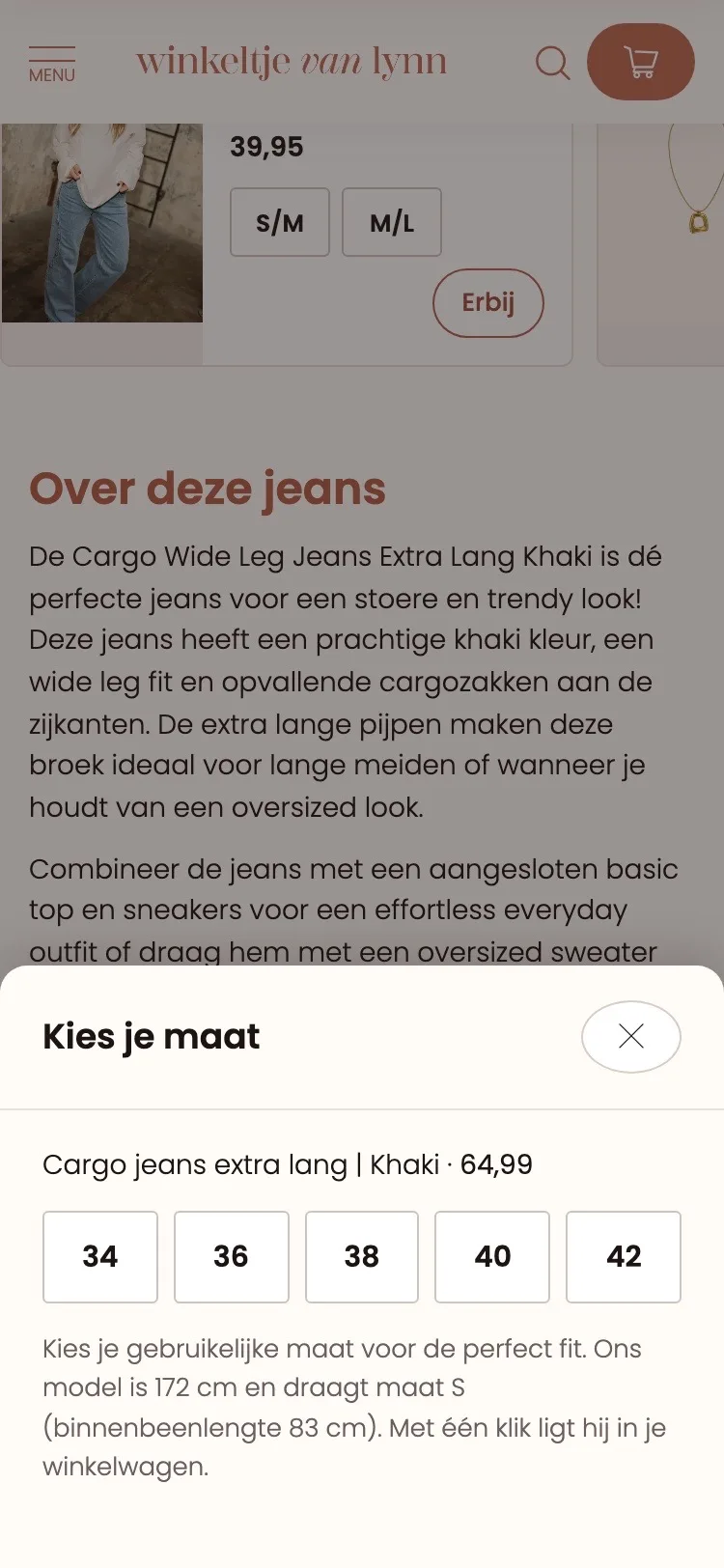
- 01Choose first, then orderIf you pressed the button without choosing, size 34 went into your order. Now the size picker slides up first.
- 02Big size buttonsThe five sizes are big buttons at the bottom, within reach of your thumb. One tap and it's in your cart.
- 03Size advice in the windowThe same info from ‘Pasvorm en specificaties’ (Fit and specifications) is also in the size picker: model 172 cm wearing size S, inseam 83 cm.
Click through the new design yourself.
The design works like a real page, on desktop and on your phone. You just can’t place an order with it yet.
From design to more orders.
This is how we take the new design live, and measure what it delivers.
- 01Only the pageHeader, menu, USP bar and footer stay exactly as they are now. We only change the content of the product page.
- 02Test first, then go liveWe run the new design in an A/B test next to the current page and measure orders per visitor.
- 03Your own strengthsYour own photos, visuals, reviews and tone of voice: it all came from you already, just in a better place.
This design live
on your online store?
With the AI Design Agent, we put this design on your existing online store, and then keep improving it every month with CRO. Built by our specialists. Without spending thousands of euros a month on it.
- No rebuild, no migration
- Your back office stays the way you know it
- Only goes live after your approval
- 01Ongoing development for a fixed monthly feeNo separate quotes for every change. If we see an opportunity or you have an idea, we build it.
- 02CRO improvements, implemented right awayWe analyze your online store and implement improvements in days instead of months.
- 03Safe, and you see what changesWe build and test everything in a preview first. It only goes live after your approval, and every version is saved.